Does Your Small Business Website Need a CMS?
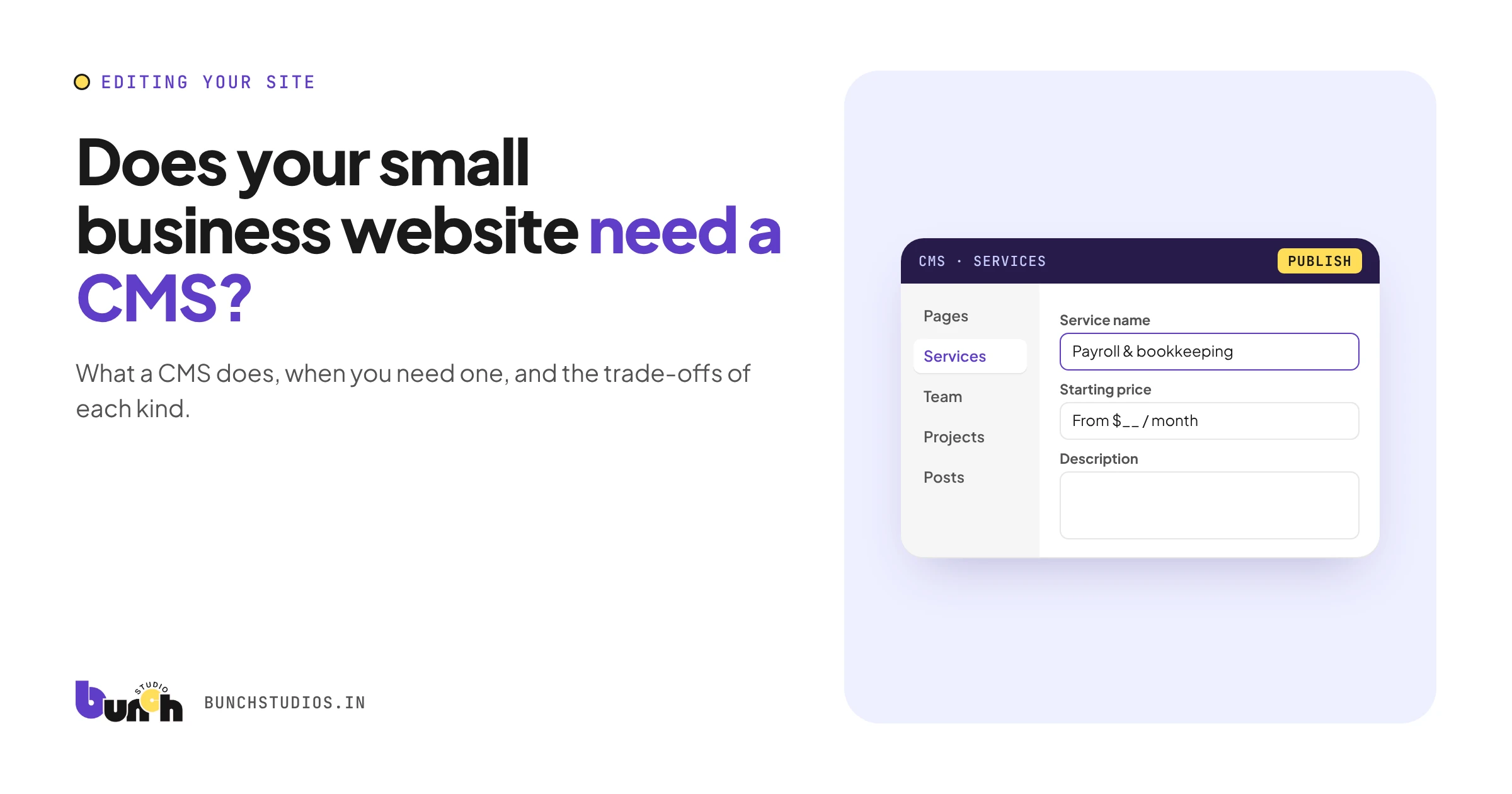
A CMS (content management system) is the part of a website that lets you change text, images, pages and posts without touching code. Most small businesses need one if they'll update the site more than a few times a year, add new services or team members, or publish posts. If your site is a handful of pages that almost never change, a CMS matters less, but you'll then depend on someone else for every edit. The real choice is which kind of CMS fits what you'll actually edit.
What a CMS does (in plain terms)
Without a CMS, changing a phone number or adding a service means editing code. With one, you log in, change the text in a form, and publish. A good CMS also controls things like page titles and descriptions for search, image alt text, and who on your team can edit what.
Hypothetical example: a dental practice hires a new hygienist. With a CMS that has a "team member" content type, the office manager fills in a name, photo and short bio, presses publish, and the team page updates in the right style. Without one, it's an email to a developer and a wait.
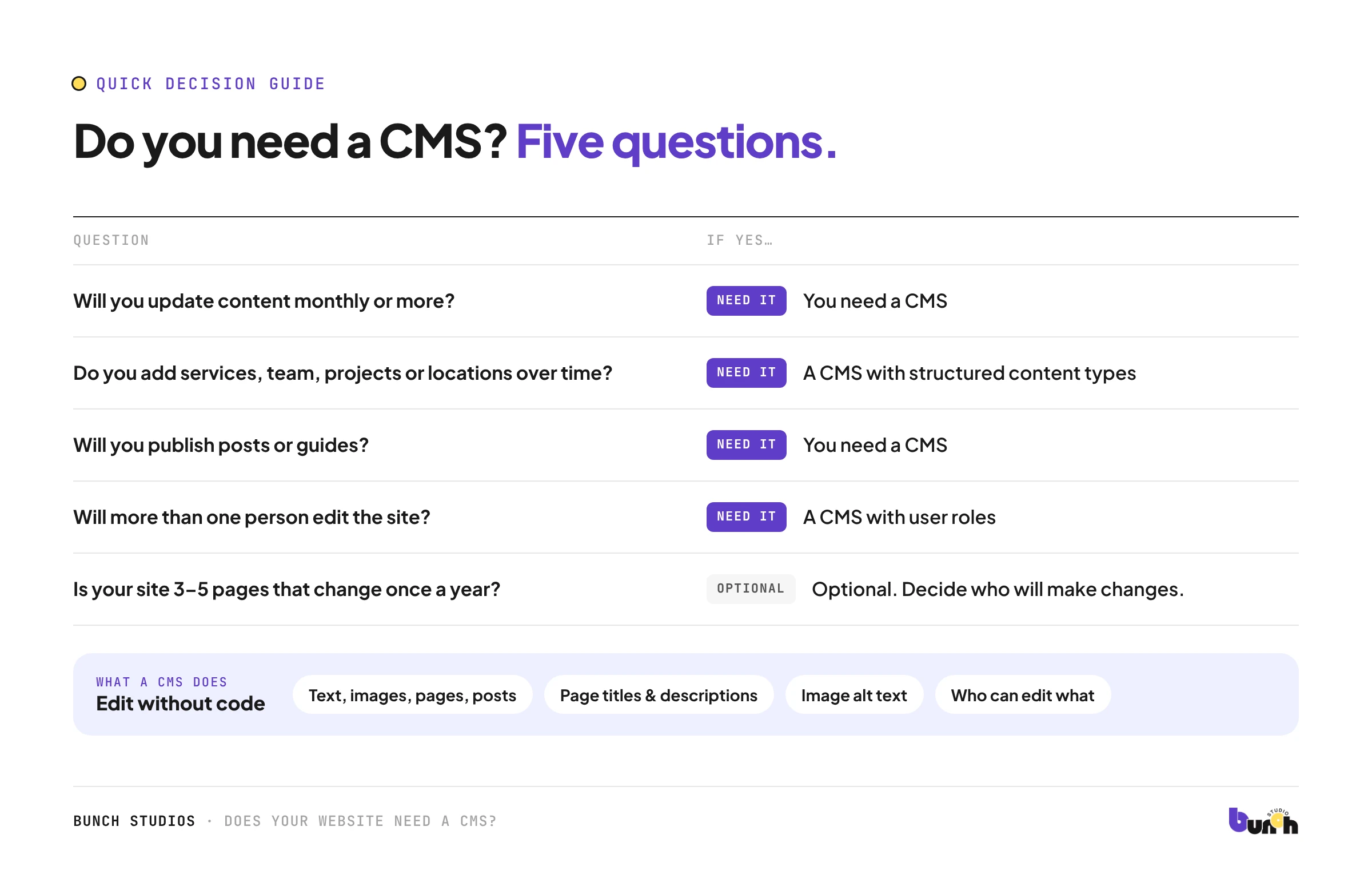
Do you need one? A quick decision guide
| Question | If yes… |
|---|---|
| Will you update content monthly or more? | You need a CMS |
| Do you add services, team members, projects or locations over time? | You need a CMS, ideally with structured content types |
| Will you publish posts or guides? | You need a CMS |
| Will more than one person edit the site? | You need a CMS with user roles |
| Is your site 3–5 pages that change once a year? | A CMS is optional; decide who will make changes |
The three kinds of CMS
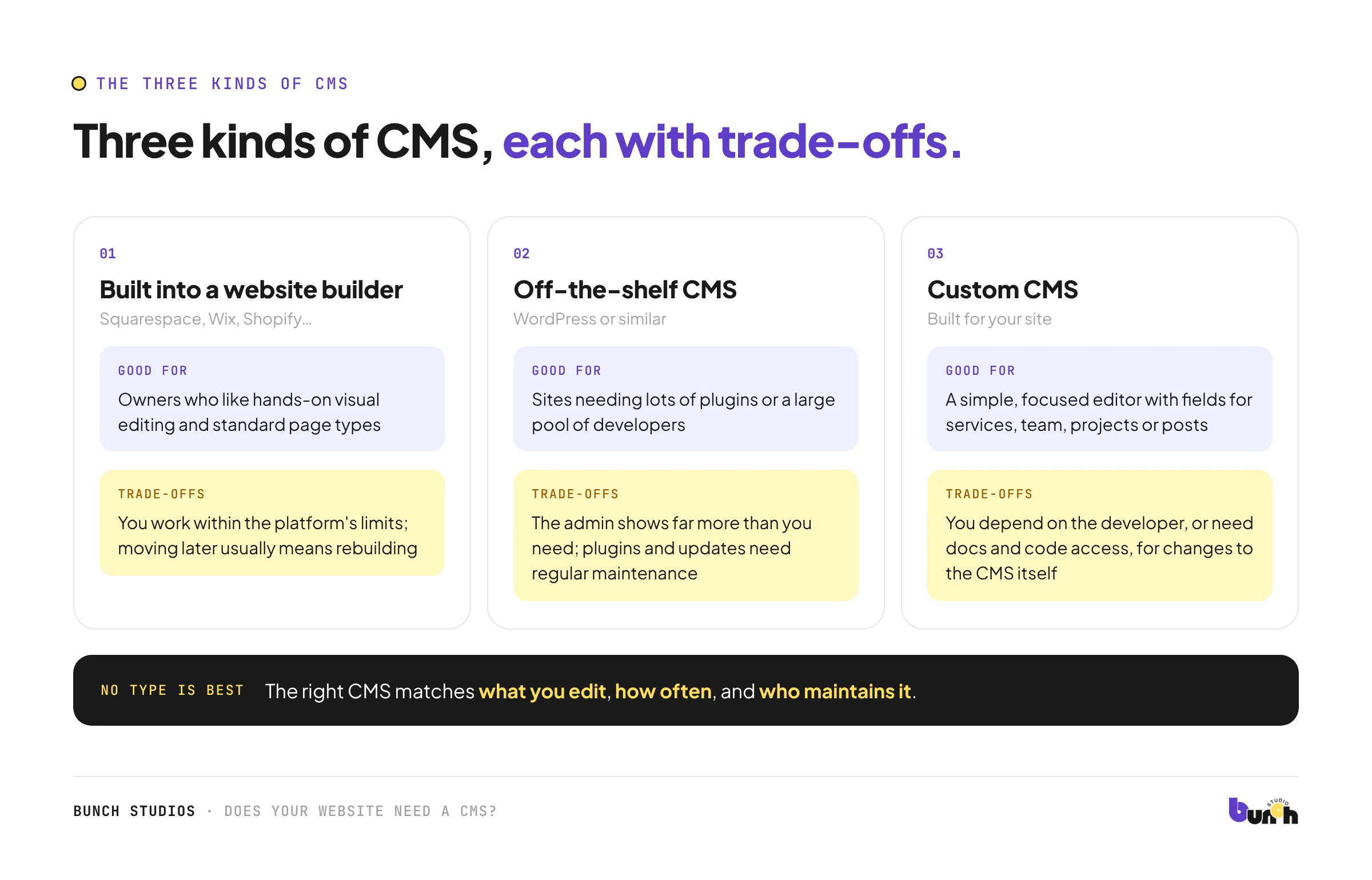
1. The one built into a website builder
Squarespace, Wix, Shopify and similar include their own editor.
- Good for: owners who like hands-on visual editing and standard page types.
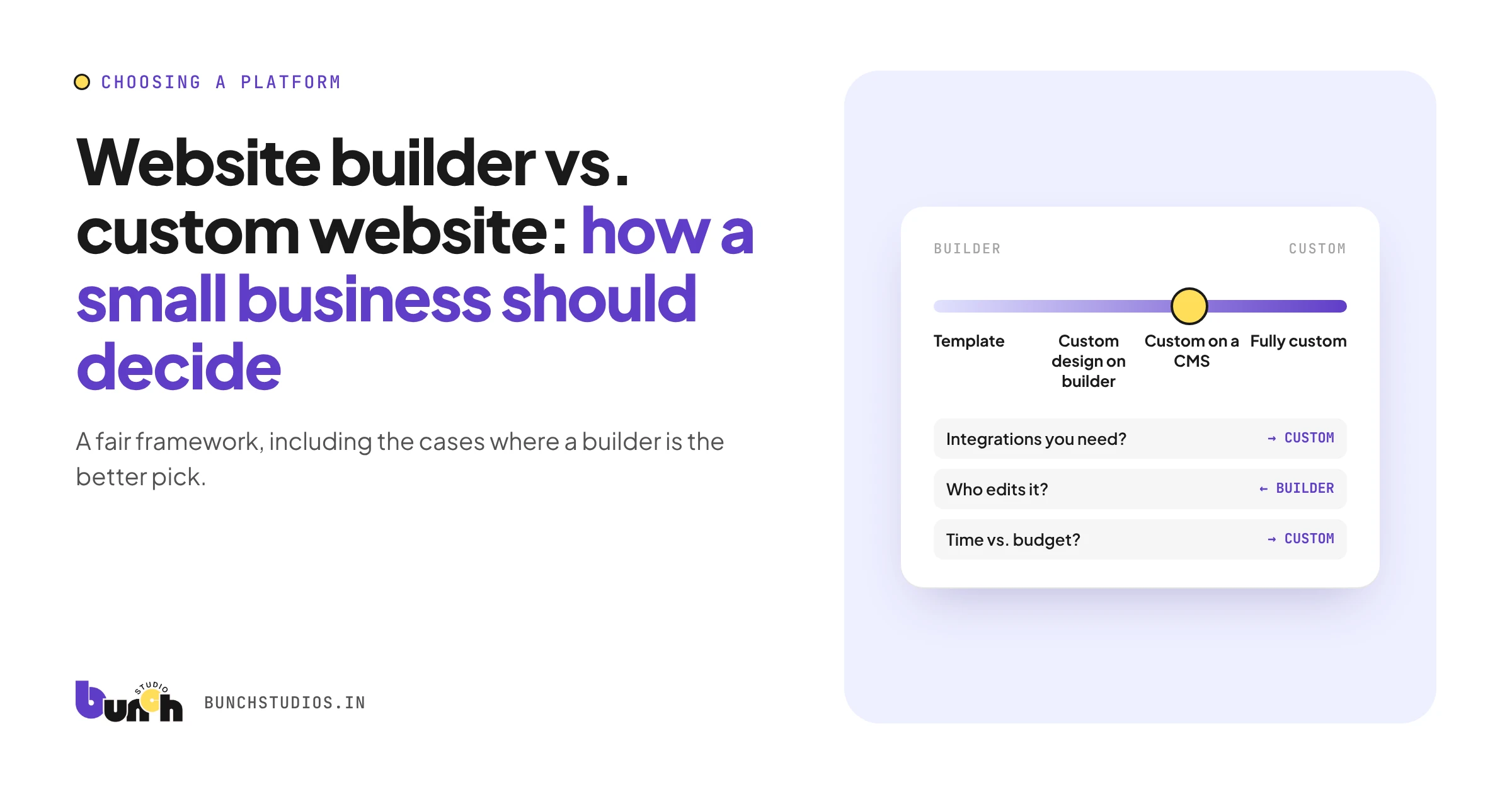
- Trade-offs: you work within the platform's limits, and moving away later usually means rebuilding. See our builder vs. custom guide.
2. An off-the-shelf CMS
Platforms such as WordPress, used with a theme or a custom design.
- Good for: sites that need lots of plugins or a large pool of developers.
- Trade-offs: the admin can show far more options than you need, and plugins and updates need regular maintenance.
3. A custom CMS
Built for your site, with editing screens only for the things you actually change.
- Good for: businesses that want a simple, focused editor with fields for services, team, projects or posts.
- Trade-offs: you depend on the developer who built it, or need clear documentation and code access, for changes to the CMS itself. Ask about this before choosing one.
No type is best for everyone. The right one matches what you edit, how often, and who maintains it.
What a good editing experience looks like
Whichever type you choose, try the editor before you commit. A good one lets you:
- preview changes before they go live
- undo mistakes or restore an earlier version
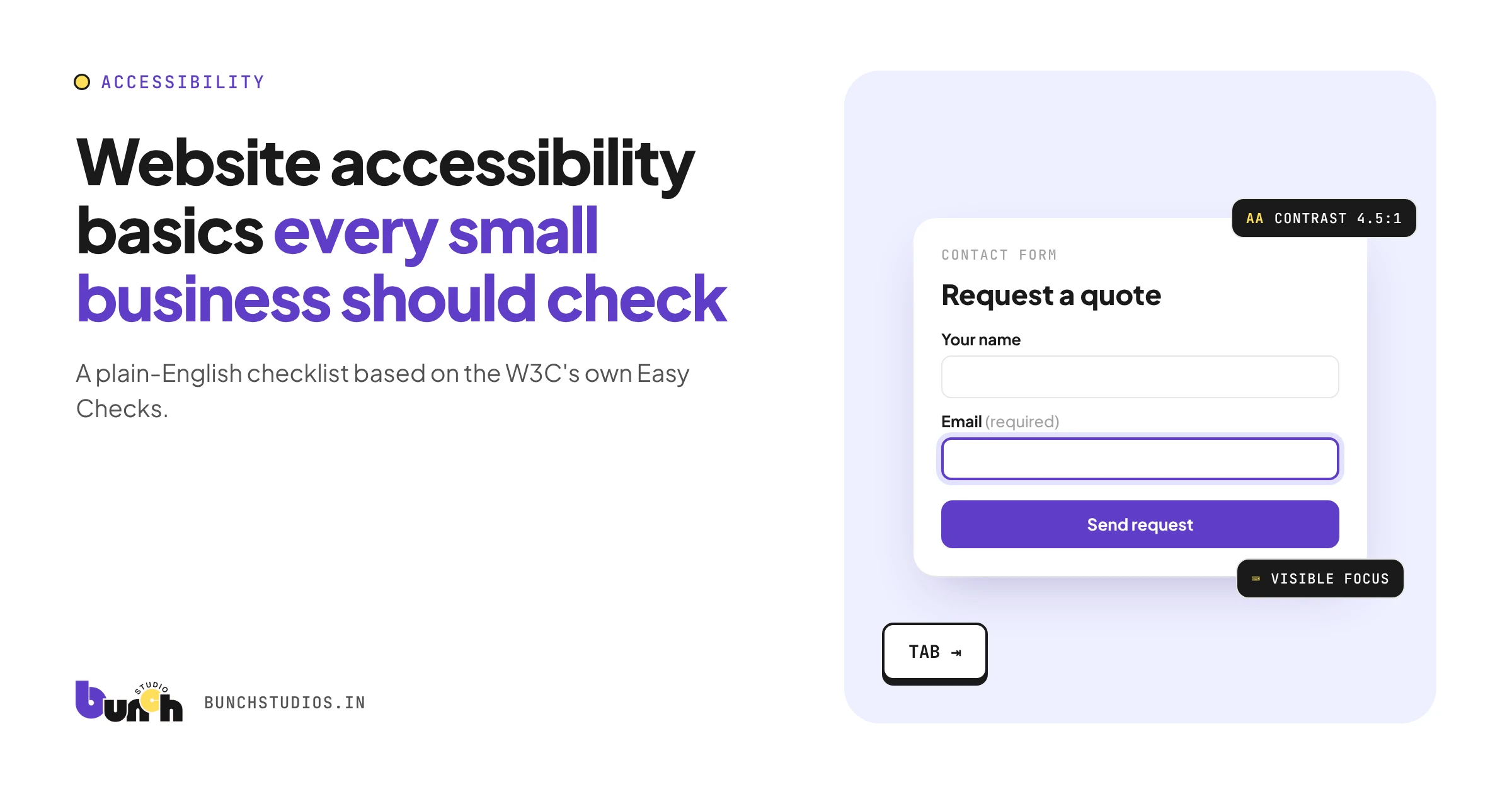
- fill in page titles, descriptions and image alt text without help (see our accessibility checklist for why alt text matters)
- give team members limited access to only what they need
- add a new service, team member or post without breaking the layout
Questions to ask before choosing
- What exactly will I want to change, and how often?
- Who will do the editing, and how comfortable are they with technology?
- Who handles security updates and backups?
- Can I add new pages or sections myself, or only edit existing ones?
- If I change providers, can someone else maintain this CMS?
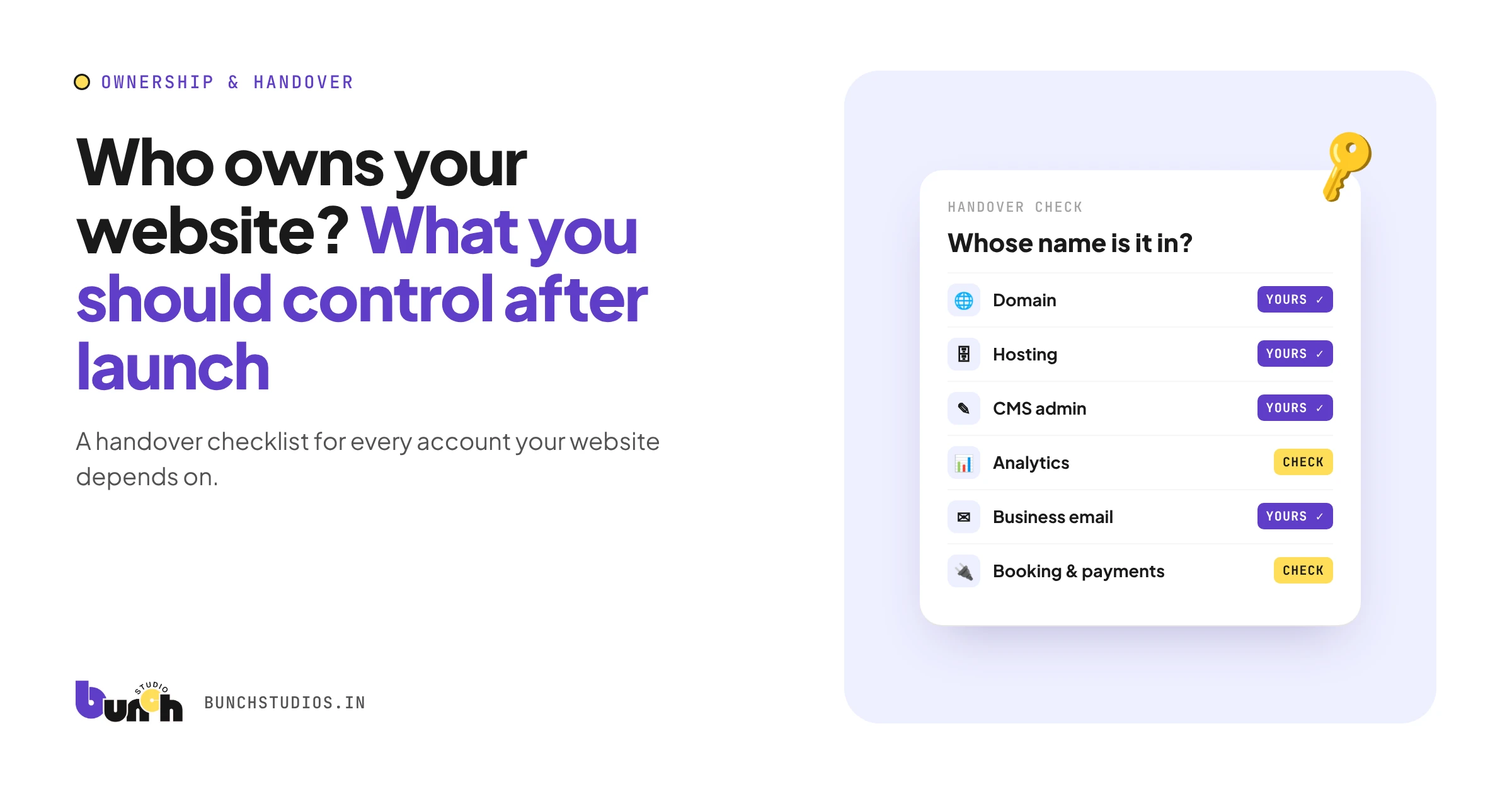
- Do I own the site and have admin access? See our ownership checklist.
Signs your current CMS isn't working
- You avoid updating the site because it's confusing.
- Simple edits break the layout.
- You pay someone for changes you should be able to make yourself.
- Plugins or updates regularly cause problems.
Bunch Studios' approach to CMS
We build a custom CMS for each client, designed around the things they actually change, such as services, team, projects and posts, without the clutter of a general-purpose admin. At launch we show you how to use it. You own the website, and you can manage it yourself or have us handle hosting and updates.
If a builder's editor fits you better, that's a fair choice. We'll tell you if we think so.
Request a Scoped EstimateHow we made this guide: drafted with AI assistance.