Who Owns Your Website? What You Should Control After Launch
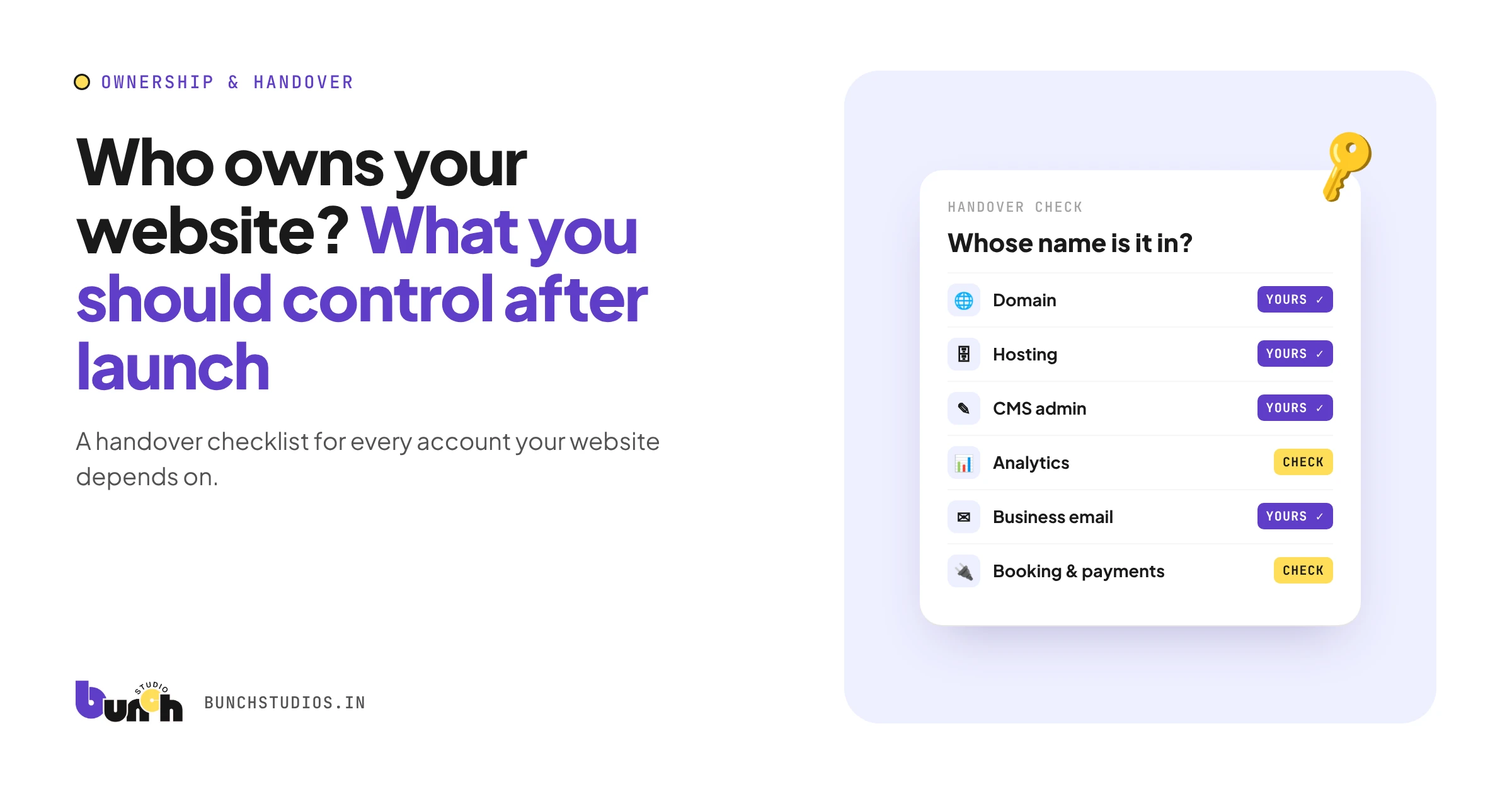
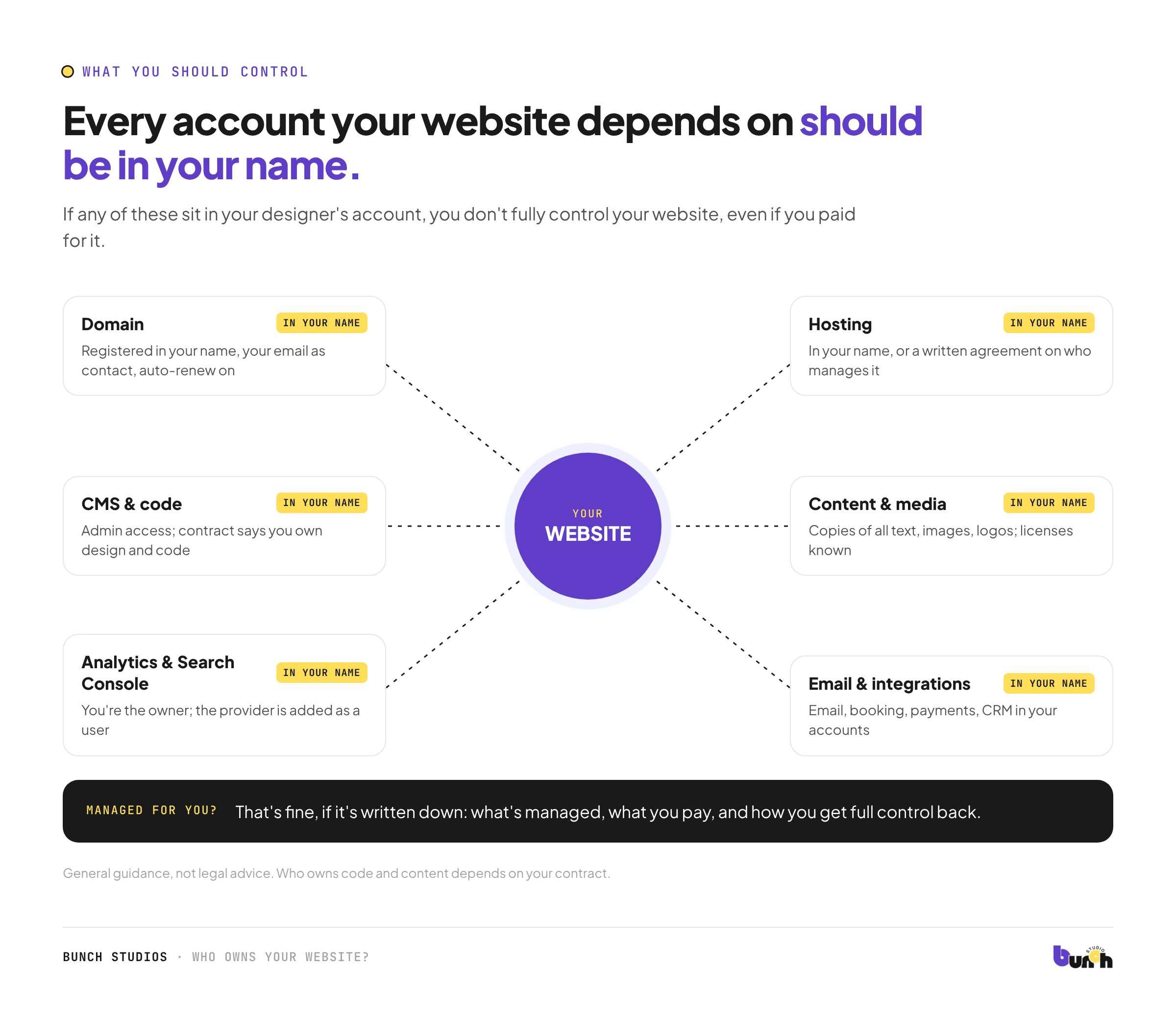
After launch, you should control every account your website depends on: the domain, the hosting, the content management system (CMS), analytics and email. You should also have the content, images and design or code files you paid for, plus written confirmation that you own them. If any of these sit in your web designer's name or account, you don't fully control your website, even if you paid for it. Use the checklist below at handover, or now if your site is already live.
This is general guidance, not legal advice. Who owns code and content depends on your contract.
Why this matters
Most ownership problems only show up at a bad moment: a designer stops replying, a business is sold, or you want to move to someone new. If the domain is registered to someone else, or the site lives in their hosting account, untangling it can take time and money. Getting it right at handover takes an afternoon.
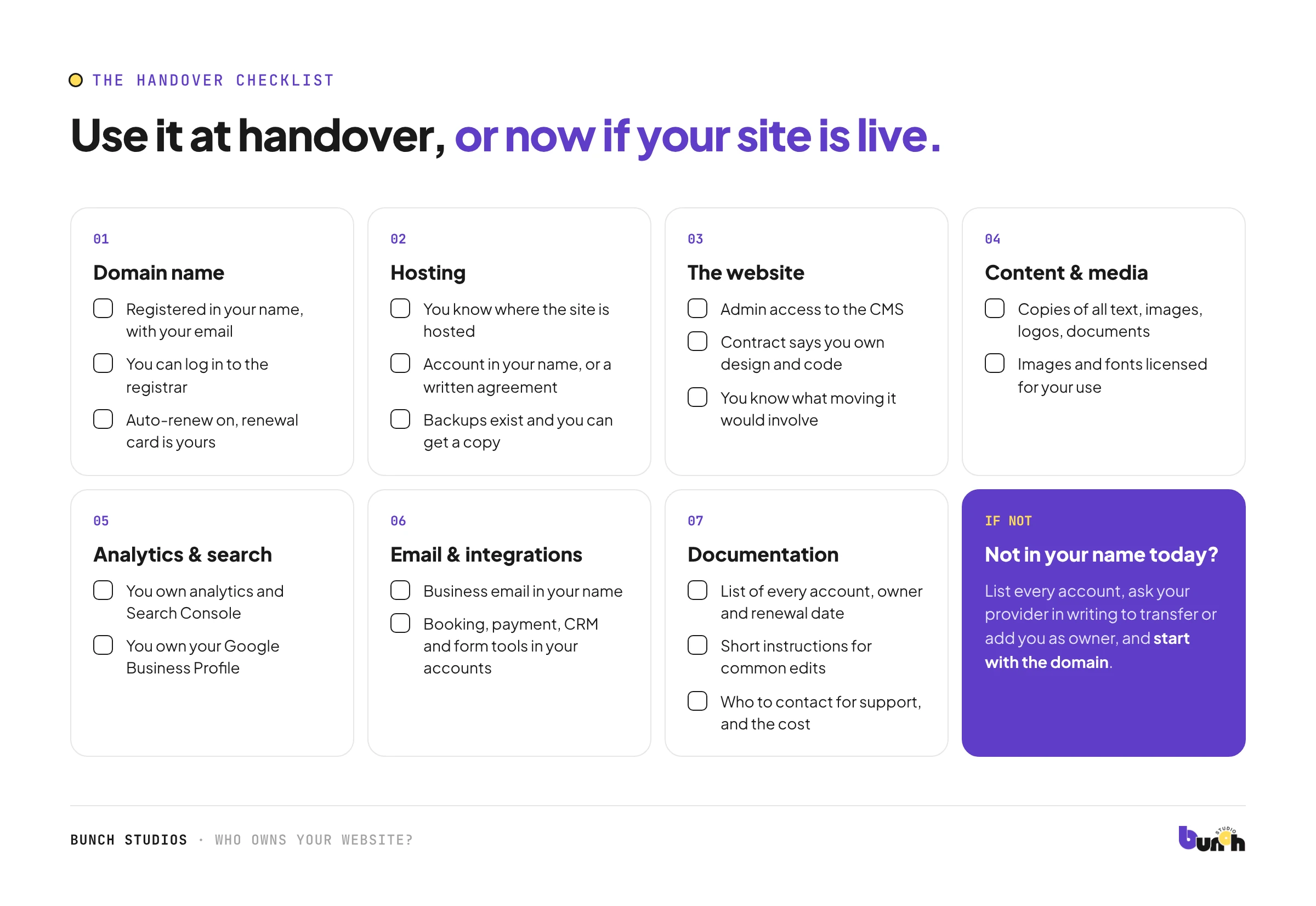
The handover checklist
1. Domain name
- The domain is registered in your name (or your company's), with your email as the contact.
- You can log in to the registrar account.
- Auto-renew is on, and the renewal date and payment card are yours.
Why it matters: the domain is your address. Whoever controls it controls where your site and email point.
2. Hosting
- You know where the site is hosted.
- The hosting account is in your name, or your agreement says clearly who manages it, what you pay, and how you get everything back if you leave.
- Backups exist, and you know how to get a copy.
3. The website itself
- You have admin access to the CMS.
- Your contract states that you own the site's design and code after final payment, or explains any exceptions (for example, licensed themes, fonts or plugins).
- You know whether you could move the site to another provider, and what that would involve.
4. Content and media
- You have copies of all text, images, logos and documents.
- Images and fonts are properly licensed for your use, and you know which.
5. Analytics and search tools
- Your analytics account (for example, Google Analytics) is owned by you, with the provider added as a user if needed, not the other way round.
- Google Search Console is verified with you as an owner.
- Your Google Business Profile, if you have one, is owned by you.
6. Email and integrations
- Business email accounts are in your name.
- Booking, payment, CRM and form tools are in your accounts.
7. Documentation
- A list of every account the site uses, who owns each, and renewal dates.
- Short instructions for common edits.
- Who to contact for support, and what it costs.
"Managed for you" is fine, if it's written down
Plenty of small businesses prefer their provider to handle hosting and updates. That's a reasonable choice. What matters is that the arrangement is in writing: what's managed, what you pay, and how you get full control back if you want it.
Keep it current after launch
Ownership isn't a one-time check. Once a year, or whenever someone leaves your business or you change providers:
- confirm every login still works and belongs to a current person
- remove access for former staff and past providers
- check the domain's renewal date and payment card
- download a fresh backup of the site and your content
If your website isn't in your name today
- List every account the site depends on, using the checklist above.
- Ask your current provider, in writing, to transfer ownership or add you as an owner.
- Start with the domain. It's the most important asset.
- Keep records of what you paid for and when.
- If there's a dispute about who owns code or content, get legal advice. Your contract usually decides it.
Questions to ask before you hire anyone
- Will the domain be registered in my name?
- Will I own the design and code after final payment?
- Whose accounts will hosting, analytics and email be in?
- What will I receive at handover?
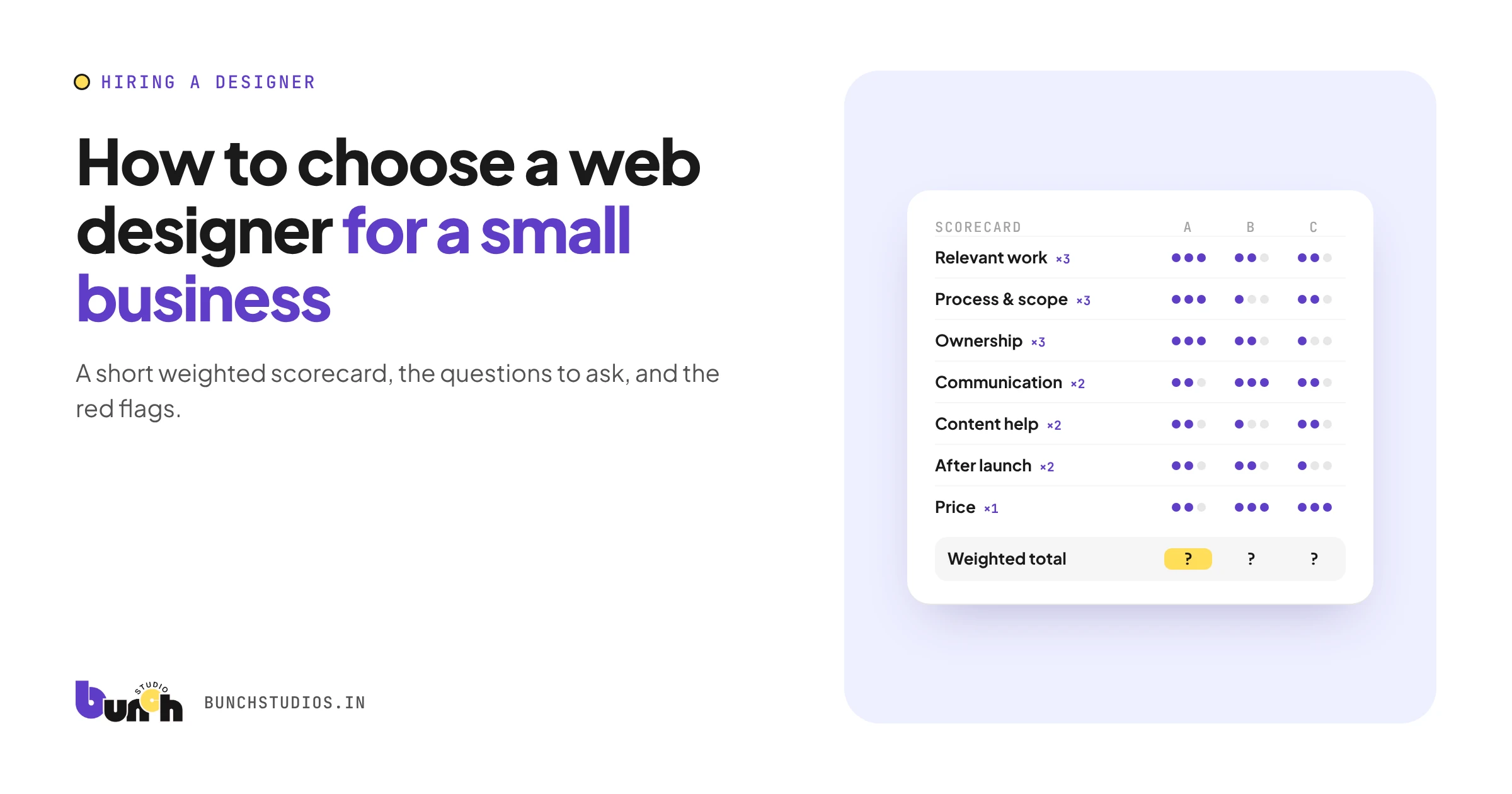
More questions are in our guide to choosing a web designer.
Bunch Studios' approach
With Bunch Studios, you own your website. At launch we show you how to use your custom CMS and hand over access. If you'd rather not deal with hosting and updates, we can manage them for you, and you still own the site.
Request a Scoped EstimateHow we made this guide: drafted with AI assistance. Not legal advice.