Website Builder vs. Custom Website: How a Small Business Should Decide
A website builder is usually the right choice when your site is a straightforward brochure or small shop, a template fits your brand, and you're happy to set it up and edit it yourself. A custom website makes sense when the site has to work around how your business operates (specific integrations, content that doesn't fit a template, a design that has to stand apart) or when you'd rather hand the build to someone accountable. Neither choice decides whether Google ranks you. The seven-question self-score below helps you pick.
Disclosure: Bunch Studios builds custom websites. We've tried to make this guide fair, including the cases where a builder is the better answer.
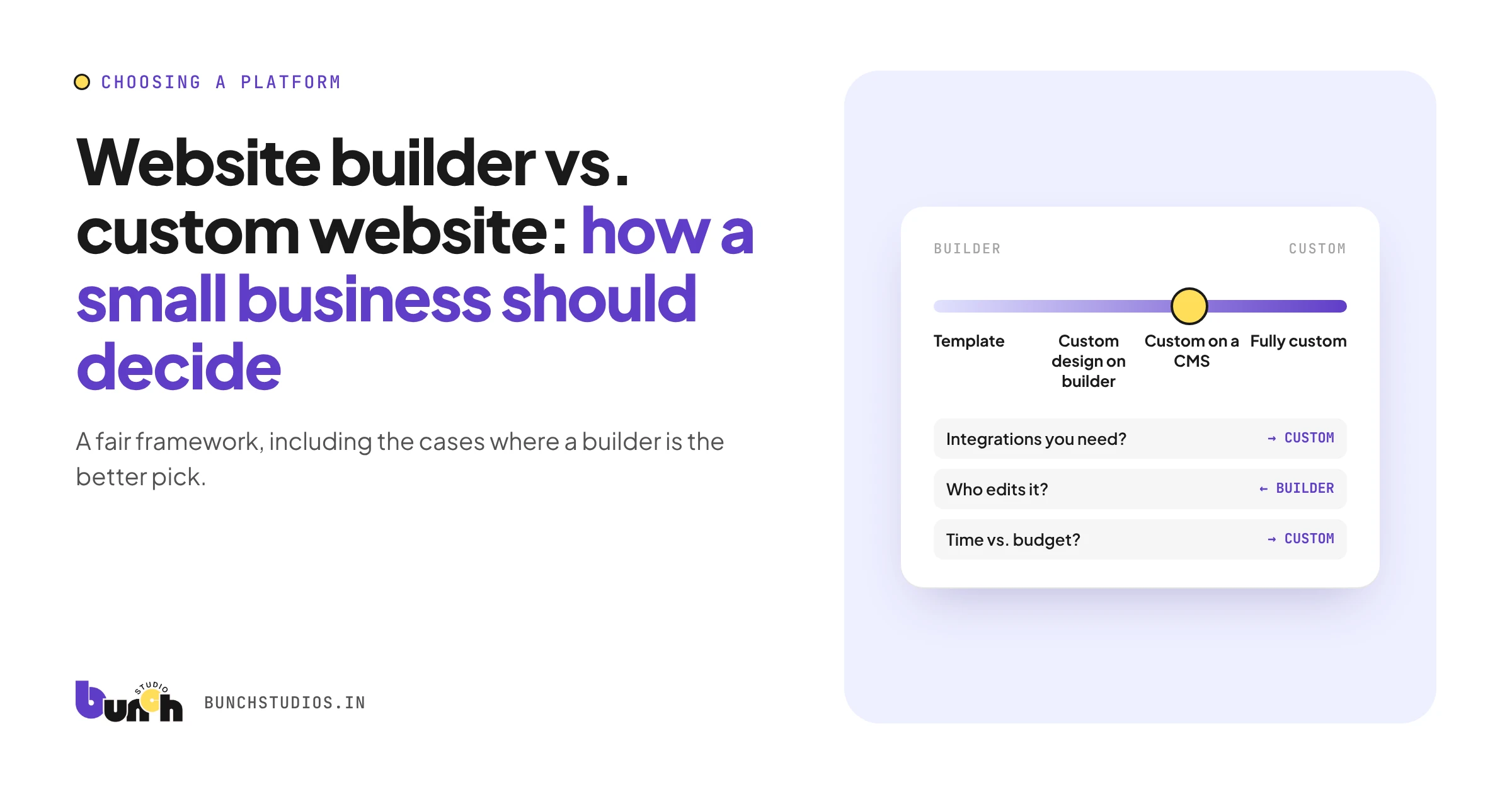
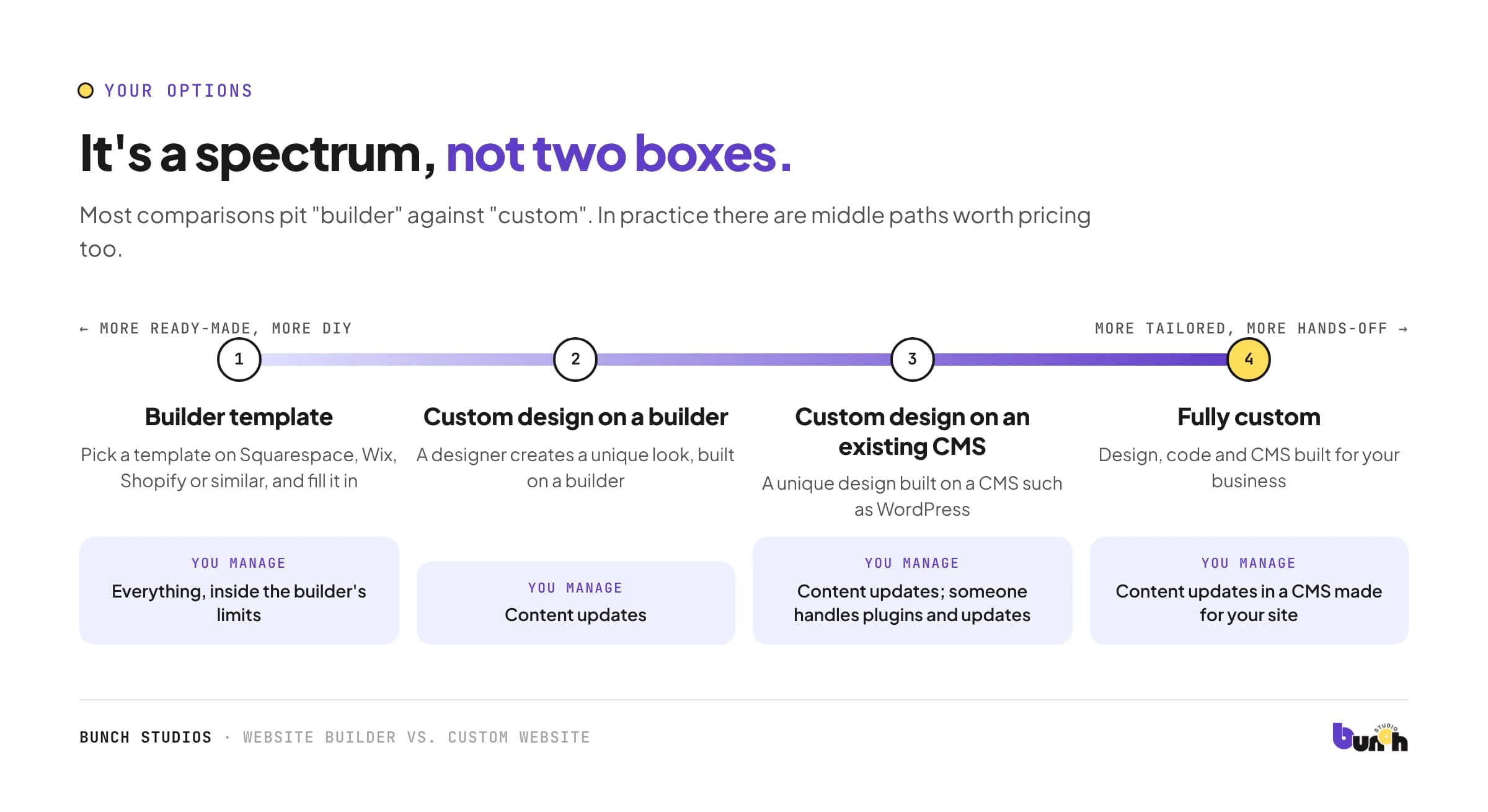
It's a spectrum, not two boxes
| Option | What it means | You manage |
|---|---|---|
| Builder template | Pick a template on Squarespace, Wix, Shopify or similar, and fill it in | Everything, inside the builder's limits |
| Custom design on a builder | A designer creates a unique look, built on a builder | Content updates |
| Custom design on an existing CMS | A unique design built on a CMS such as WordPress | Content updates; someone handles plugins and updates |
| Fully custom | Design, code and CMS built for your business | Content updates in a CMS made for your site |
The self-score: seven questions
For each question, note which column fits you better.
| Question | Builder fits if… | Custom fits if… |
|---|---|---|
| 1. Integrations | You only need what the builder offers built in | You need the site to connect to specific tools or workflows the builder doesn't support |
| 2. Design | A template, adjusted, represents you well | You need a look or page layout templates can't give you |
| 3. Content | A few standard pages and maybe a blog | Many structured items (services, locations, projects, team) you want to manage easily |
| 4. Who edits | You'll edit it yourself and like hands-on tools | You want a simple editor with only the things you change |
| 5. Time vs. money | You have more time than budget | You have more budget than time |
| 6. Ownership and portability | You're fine staying on one platform | Being able to move your site and code matters to you |
| 7. Three-year cost | Plan fees plus your hours are lower | A one-time build plus hosting works out better over time |
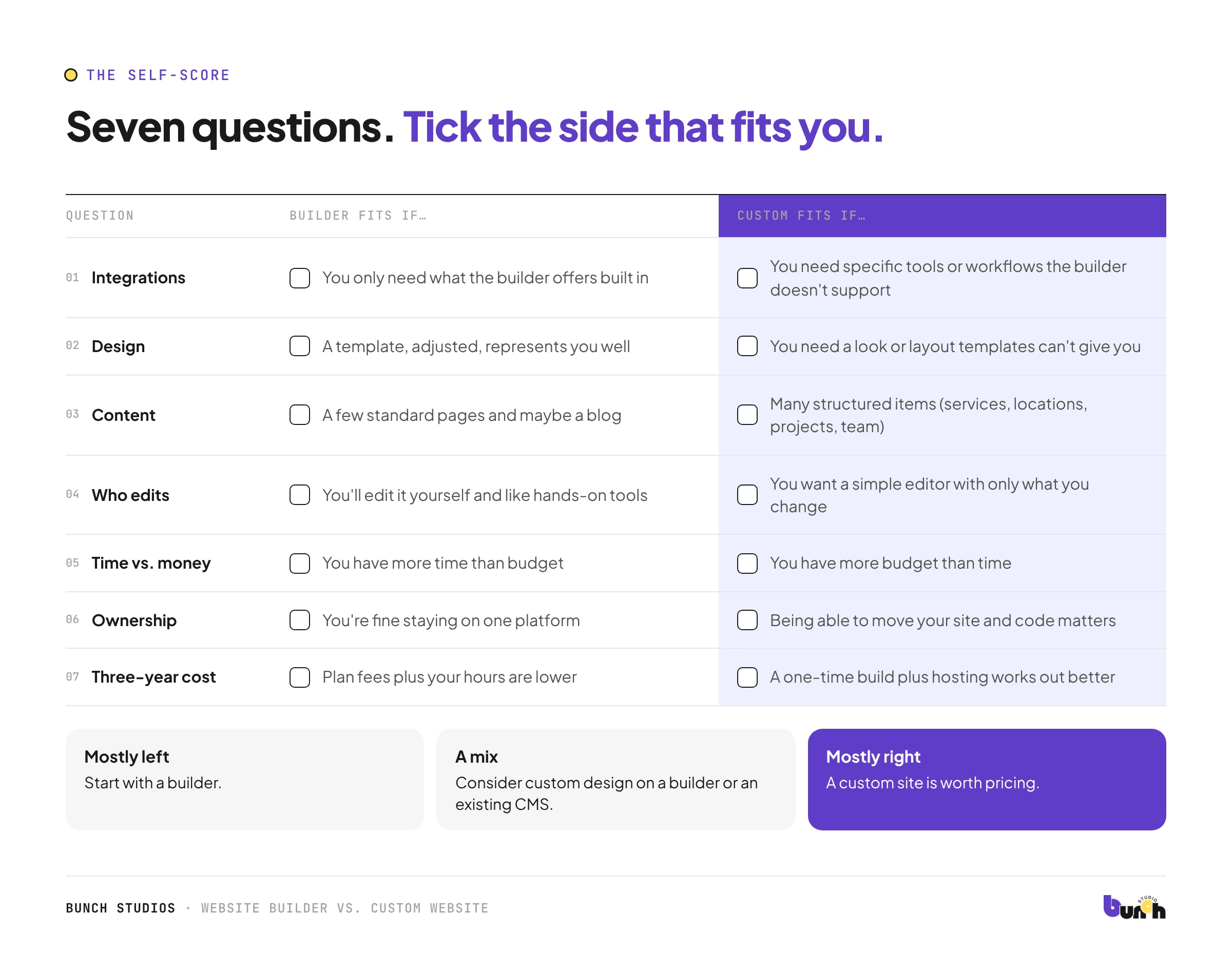
Mostly left column? Start with a builder. Mostly right column? A custom site is worth pricing. A mix? Consider custom design on a builder or an existing CMS.
Cost: compare three years, not launch day
Builders swap a big upfront cost for ongoing fees. Squarespace's Core plan, for example, is $29 a month billed annually, and the Basic plan adds a 2% fee on online store sales (Squarespace). Shopify's Basic plan is $29 a month billed yearly, plus a 2% fee if you use a third-party payment provider (Shopify). A custom site costs more upfront but replaces the plan fee with hosting and maintenance.
Count your own time too: hours spent building and updating a builder site are a real cost. Our website cost guide has a three-year worksheet for comparing both routes.
SEO: what's true, and what isn't
Google's minimum requirements for a page to be eligible for search are platform-neutral: Googlebot can reach it, it loads without errors, and it has content Google can index (Google Search Central). Builders and custom sites can both meet them.
So:
- "Custom sites rank better" is not true by default. A custom site with thin content won't beat a well-written builder site.
- "Builders are bad for SEO" isn't true either. What matters is useful content, clear structure, sensible page titles and a site that works well on phones.
- Where the platform does matter: how much control you have over speed, structure and technical settings, and how easily you can fix problems. Test your current site in Google's free PageSpeed Insights rather than trusting anyone's claims, including ours.
Ownership and switching later
This is the part most comparisons skip. If you outgrow a builder, how much can you take with you?
Squarespace, for example, lets you export certain content to a file meant for importing into WordPress, but not everything comes out: store pages, product, video and audio blocks, style settings and custom CSS don't export (Squarespace Help). Check your own builder's export documentation before you commit.
Moving later means rebuilding the design and redirecting old page addresses so you don't lose visitors from search. Our redesign cost guide covers what that involves. On any platform, make sure your domain is registered in your name, so you can take it with you.
Middle paths worth considering
- Start on a builder, move later. Fine if you know that moving means a rebuild.
- Custom design on a builder. A unique look without leaving the platform.
- Custom site, small first phase. Launch the essential pages first; add features once you know what customers use.
When you should NOT hire a studio
Be honest with yourself. A builder is probably enough if:
- you need a simple site quickly and have time to set it up yourself
- a template genuinely fits your business
- your budget is tight and the website isn't your main source of customers yet
- you enjoy tinkering with design tools
Hiring makes sense when your time is worth more spent on your business, the site needs to do something specific, or you want one accountable partner.
How Bunch Studios builds
We don't build on Wix, Squarespace or similar builders. We design and build custom websites with our own custom CMS, tailored to what each client needs to edit (services, team, projects, posts), and nothing they don't. You own the website, and you can manage it yourself or have us manage hosting and updates.
If the self-score above points you to a builder, that's a legitimate answer. If it points to custom, we'll send a written scoped estimate (scope, price and timeline) before any work starts.
Request a Scoped EstimateHow we made this guide: researched and drafted with AI assistance and checked against the sources linked above. Prices checked October 13, 2026.
Sources: Squarespace pricing; Shopify pricing; Squarespace Help: Exporting your site; Google Search technical requirements; PageSpeed Insights. All checked Oct 13, 2026.