7 Signs Your Small Business Website Needs a Redesign
Your website probably needs a redesign if it's hard to use on a phone, hard for you to update, out of date with what you sell, or getting visitors who don't get in touch, and those problems run through the whole site rather than one page. If the issue is a single broken form, outdated copy on an otherwise solid site, or a slow homepage, you likely need targeted fixes instead. An older-looking design alone isn't enough reason to rebuild. Here are seven signs to check, plus three signs that a redesign would be overkill.
The 7 signs
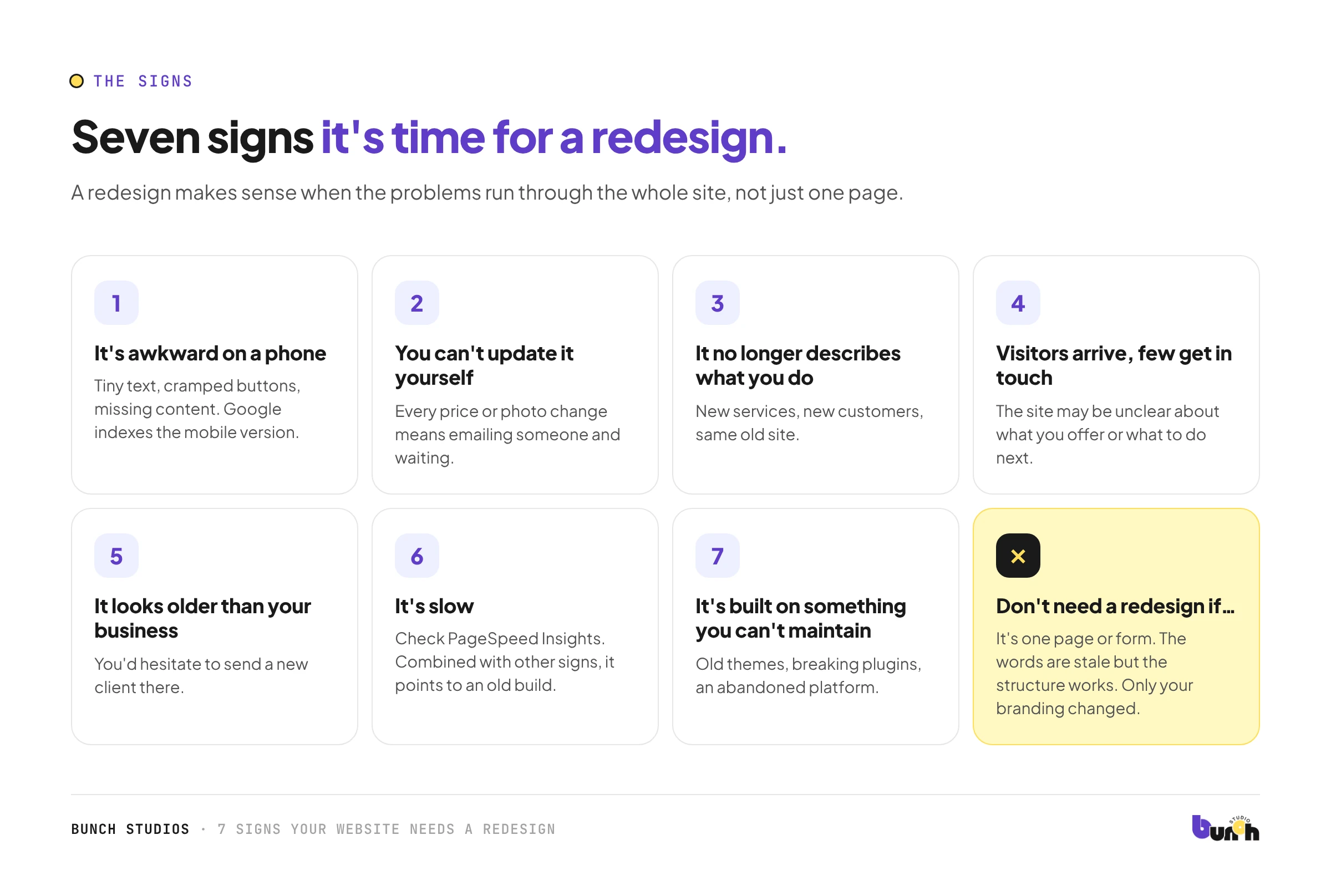
1. It's awkward on a phone
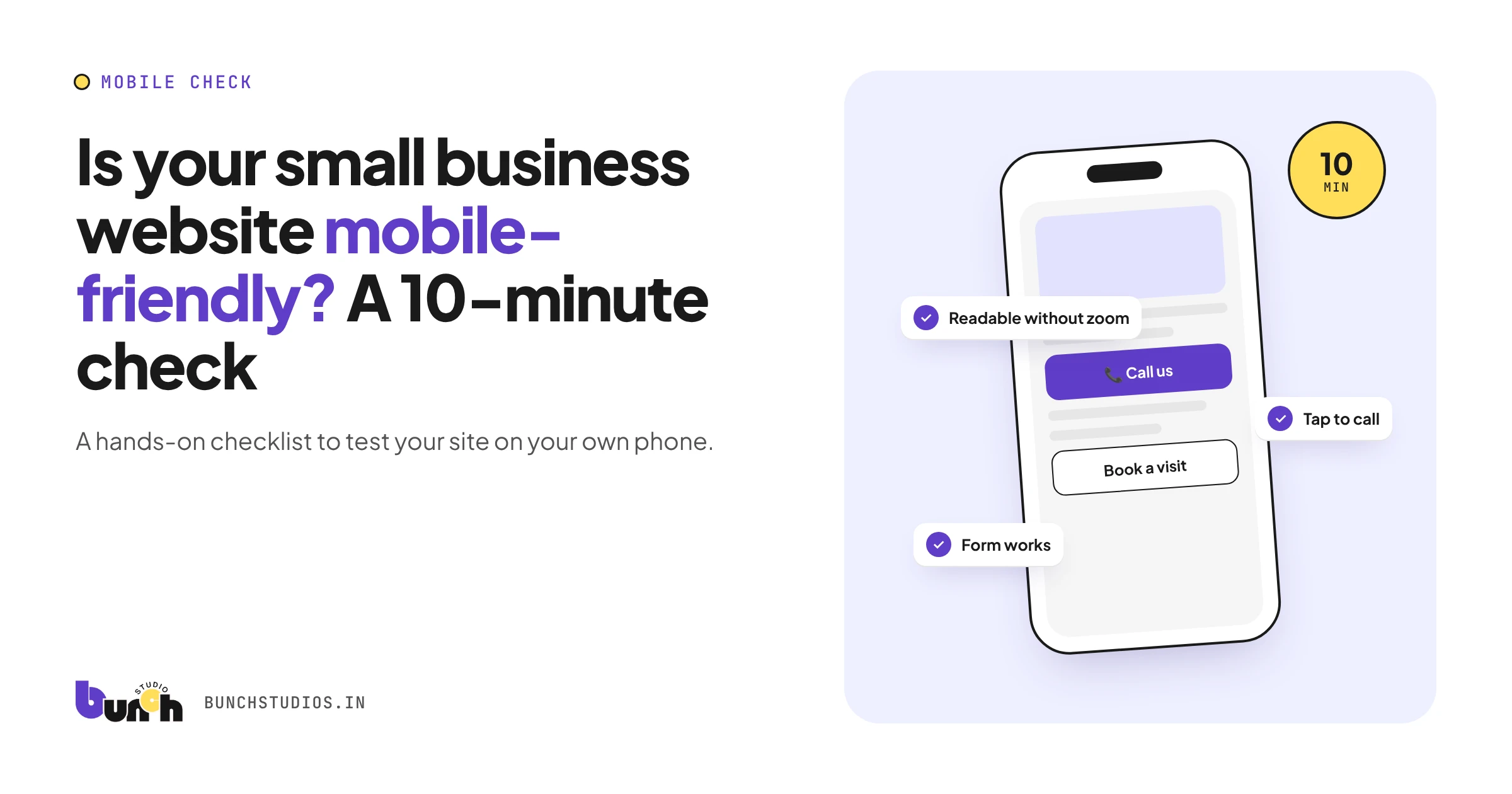
Text is tiny, buttons are cramped, menus don't work well, or content is missing on mobile. Google uses the mobile version of your site's content for indexing and ranking (Google Search Central), so a poor mobile site affects more than first impressions. Try our 10-minute mobile check.
2. You can't update it yourself
Changing a price, a team photo or opening hours means emailing someone, waiting, and sometimes paying. Over time the site falls behind the business. If the people who talk to customers every day can't change the site, it will always lag behind what you actually offer.
3. It no longer describes what you do
You've added services, dropped others, moved upmarket or changed who you serve, but the site still describes the old business. This is one of the strongest reasons to redesign: structure and content both need to change.
4. Visitors arrive, but few get in touch
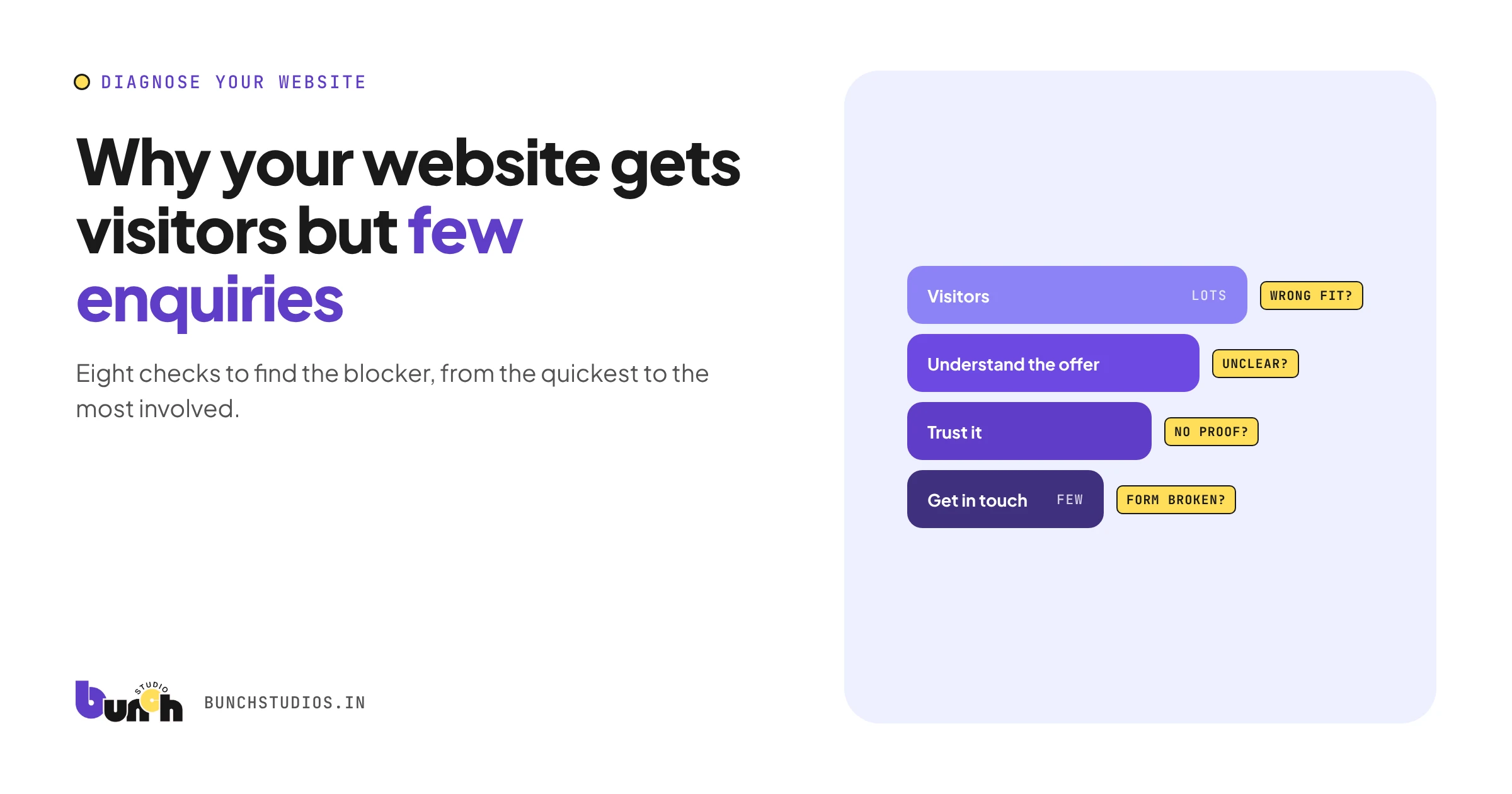
If your analytics show people visiting but enquiries are rare, the site may be unclear about what you offer, who it's for, or what to do next. Read why websites get visitors but few enquiries before you decide, because the cause is sometimes tracking or targeting, not design.
5. It looks older than your business
If you'd hesitate to send a new client to your website, it's working against you. On its own, though, this sign usually calls for a visual refresh, not a rebuild.
6. It's slow
Run your homepage through Google's free PageSpeed Insights. Slowness on its own can often be fixed without a redesign, but combined with other signs it points to an outdated build.
7. It's built on something you can't maintain
An old theme nobody updates, plugins that break, or a platform the original developer has abandoned. These create security and reliability problems, not just design ones.
3 signs you DON'T need a full redesign
- The problem is one page or one form. Fix that page.
- The structure works, but the words are stale. A content refresh is cheaper.
- Only your branding changed. A visual refresh (colors, fonts, images) may be enough.
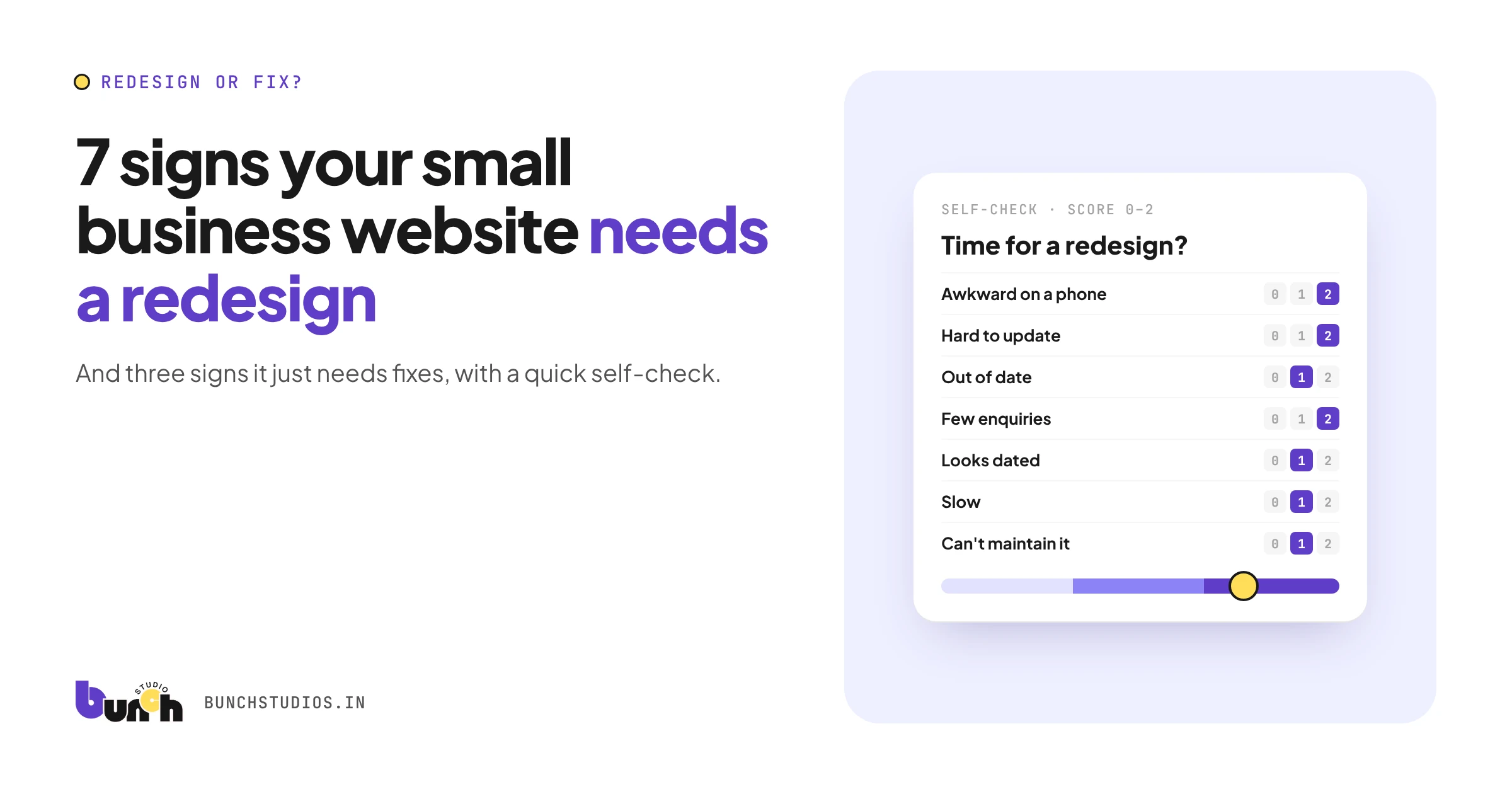
Quick self-check (15 minutes)
Score each sign: 0 = not true, 1 = partly, 2 = definitely.
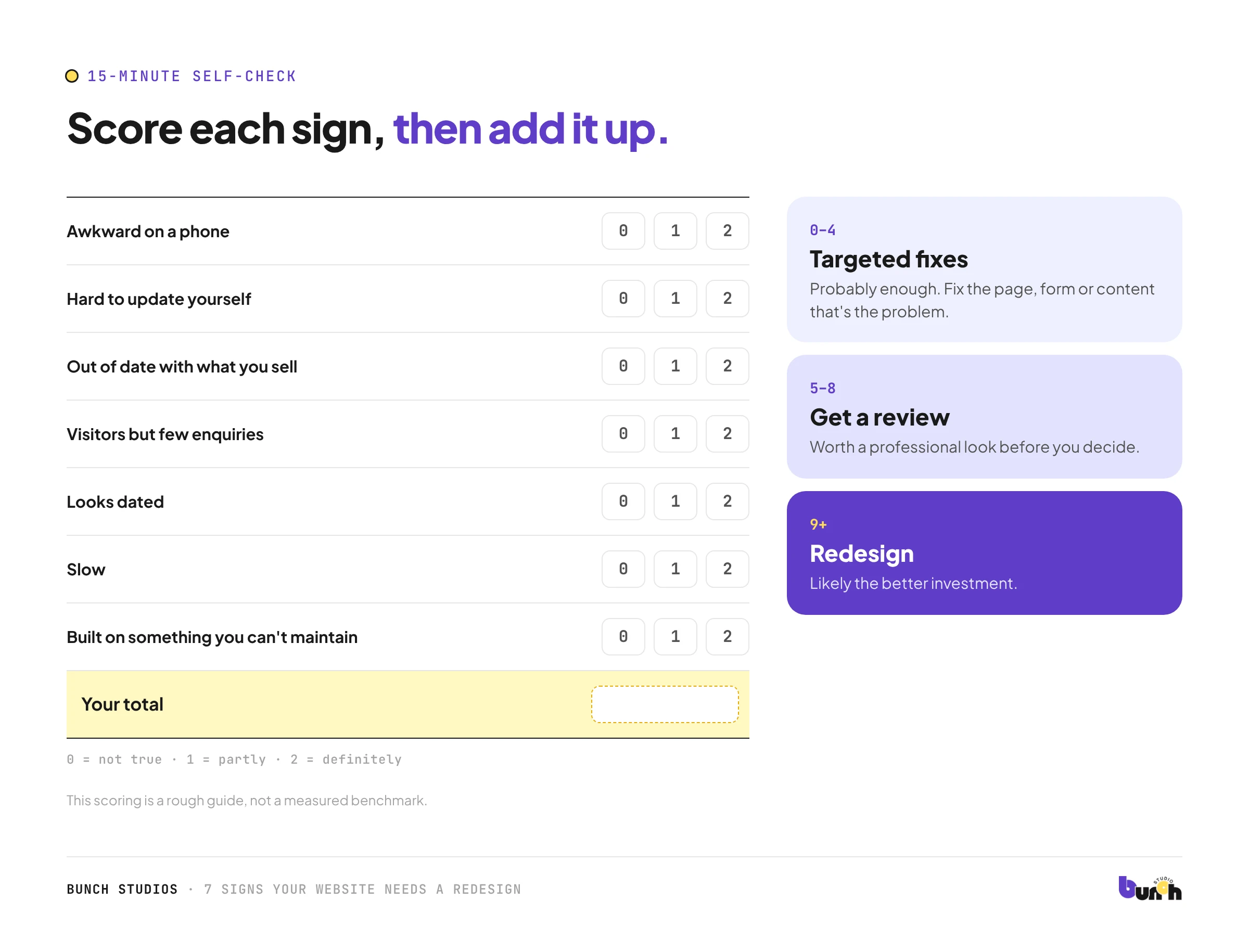
| Sign | Score (0–2) |
|---|---|
| Awkward on a phone | |
| Hard to update yourself | |
| Out of date with what you sell | |
| Visitors but few enquiries | |
| Looks dated | |
| Slow | |
| Built on something you can't maintain |
0–4: targeted fixes are probably enough. 5–8: worth a professional review. 9+: a redesign is likely the better investment. This scoring is a rough guide, not a measured benchmark.
What to keep from your current site
A redesign doesn't mean starting from zero. Before you change anything, list what's working:
- Pages that bring visitors from search. Check which pages get traffic in your analytics or Google Search Console.
- Content that's still accurate, such as service descriptions, FAQs and team bios.
- Your domain and page addresses. If addresses must change, Google recommends redirecting each old address to its new page with a permanent redirect (Google Search Central).
- Integrations that work, like booking or payment tools.
The more you can keep, the less the redesign costs and the lower the risk of losing visitors.
What to do next
- Write down the signs that apply, with examples.
- List what's still working, using the section above.
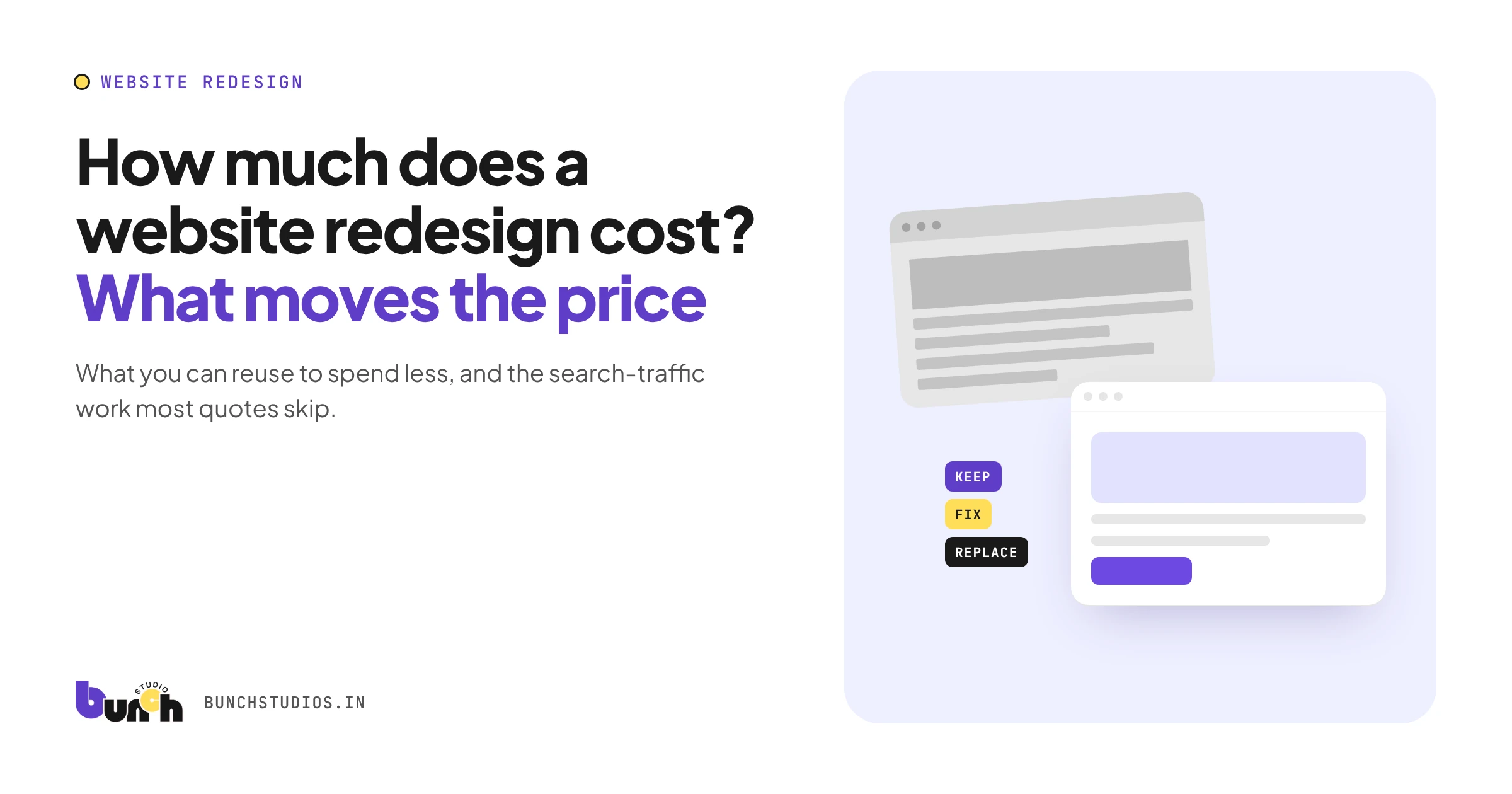
- Read our website redesign cost guide to see what drives the price.
- Get a review and a written scope before committing.
How Bunch Studios starts a redesign
We start with what you already have. We review your current site (pages, content, how it works on a phone, how people get in touch) and tell you plainly what to keep, what to fix and what to rebuild. If fixes are enough, we'll say so.
Request a Scoped EstimateHow we made this guide: drafted with AI assistance and checked against the sources linked above.
Sources: Google Search Central, Mobile-first indexing best practices; Google Search Central, How to move a site with URL changes; PageSpeed Insights. All checked Oct 13, 2026.