How Much Does a Website Redesign Cost? What Moves the Price
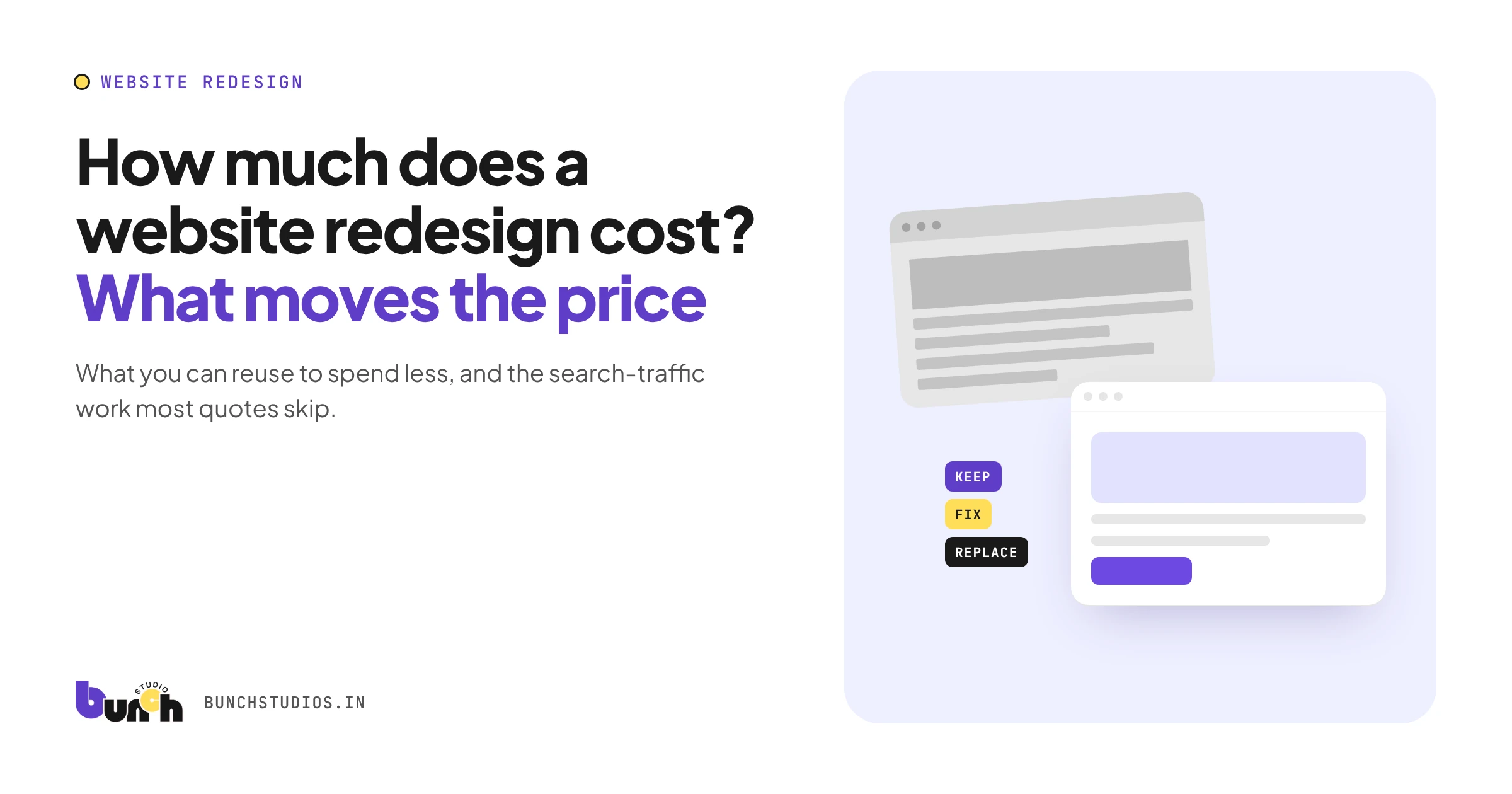
A website redesign costs less than a brand-new site when you can keep much of what you already have: your content, page structure, platform and domain. When you can't keep those, it costs about as much as a new build, plus the work of moving off the old site. That's why redesign prices online range so widely, and why almost none of them are sourced. The quickest way to estimate yours: sort every part of your current site into keep, fix or replace, then add the migration work most quotes underplay.
Refresh, redesign or rebuild: which are you buying?
"Redesign" can mean three very different projects. Name yours before you compare quotes.
| Project | What changes | What usually stays | What drives the cost |
|---|---|---|---|
| Refresh | Colors, fonts, images, maybe the homepage | Platform, page structure, content, page addresses | Mostly design time |
| Redesign | Layouts, navigation, some content | Platform and most page addresses | Design, development and content updates |
| Rebuild | Platform or CMS, structure, often all content | Usually just the domain | Close to a new build, plus moving content and redirecting old URLs |
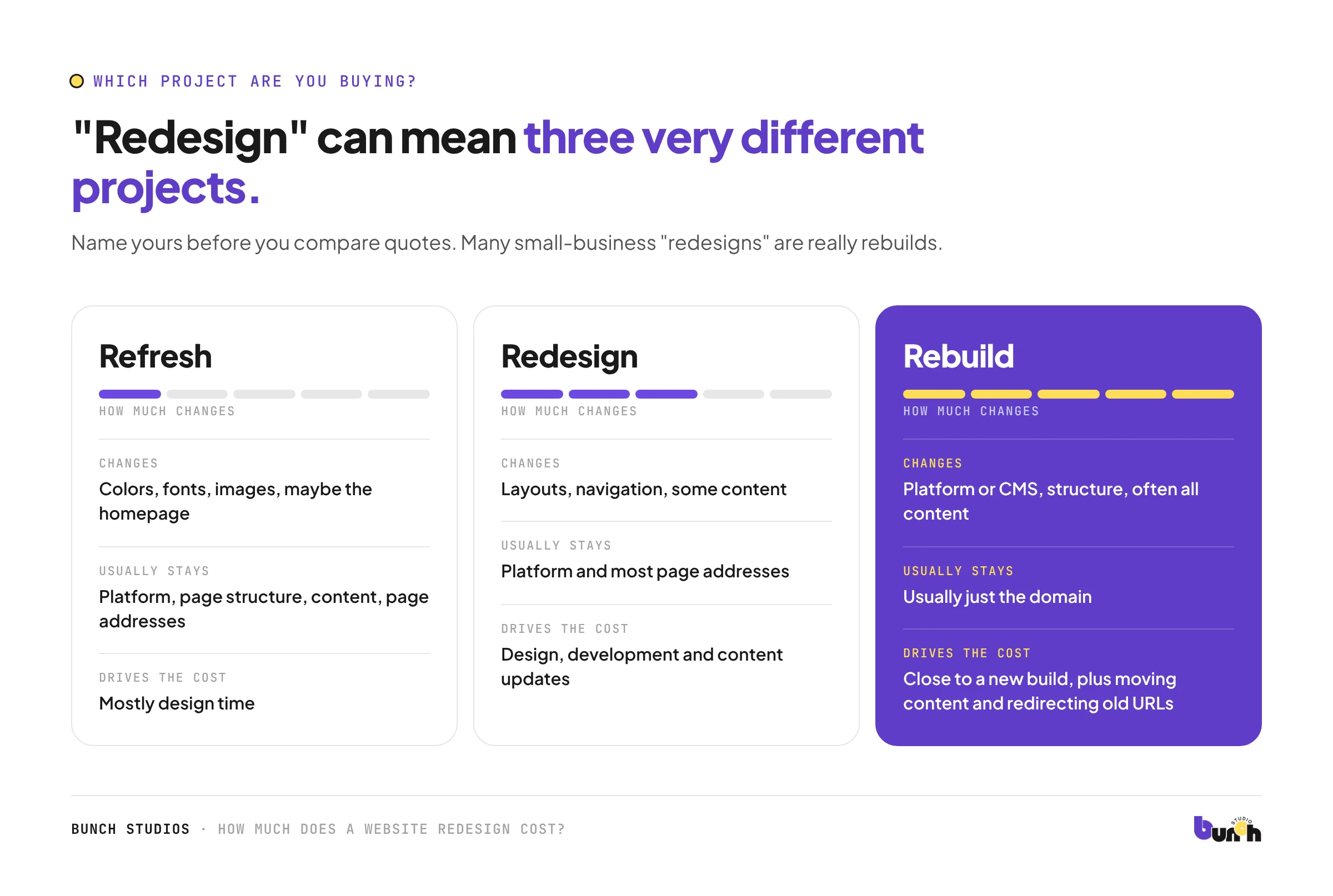
Many small-business "redesigns" are really rebuilds, because the old site sits on a platform the owner can't easily edit. If that's you, budget for it as a new site plus migration. Our guide to small business website costs covers what a new build includes. Not sure you need a redesign at all? Start with the signs your website needs a redesign.
Estimate your redesign: the keep, fix or replace audit
Go through your current site and mark each item. Every "keep" takes work off the quote; every "replace" adds it.
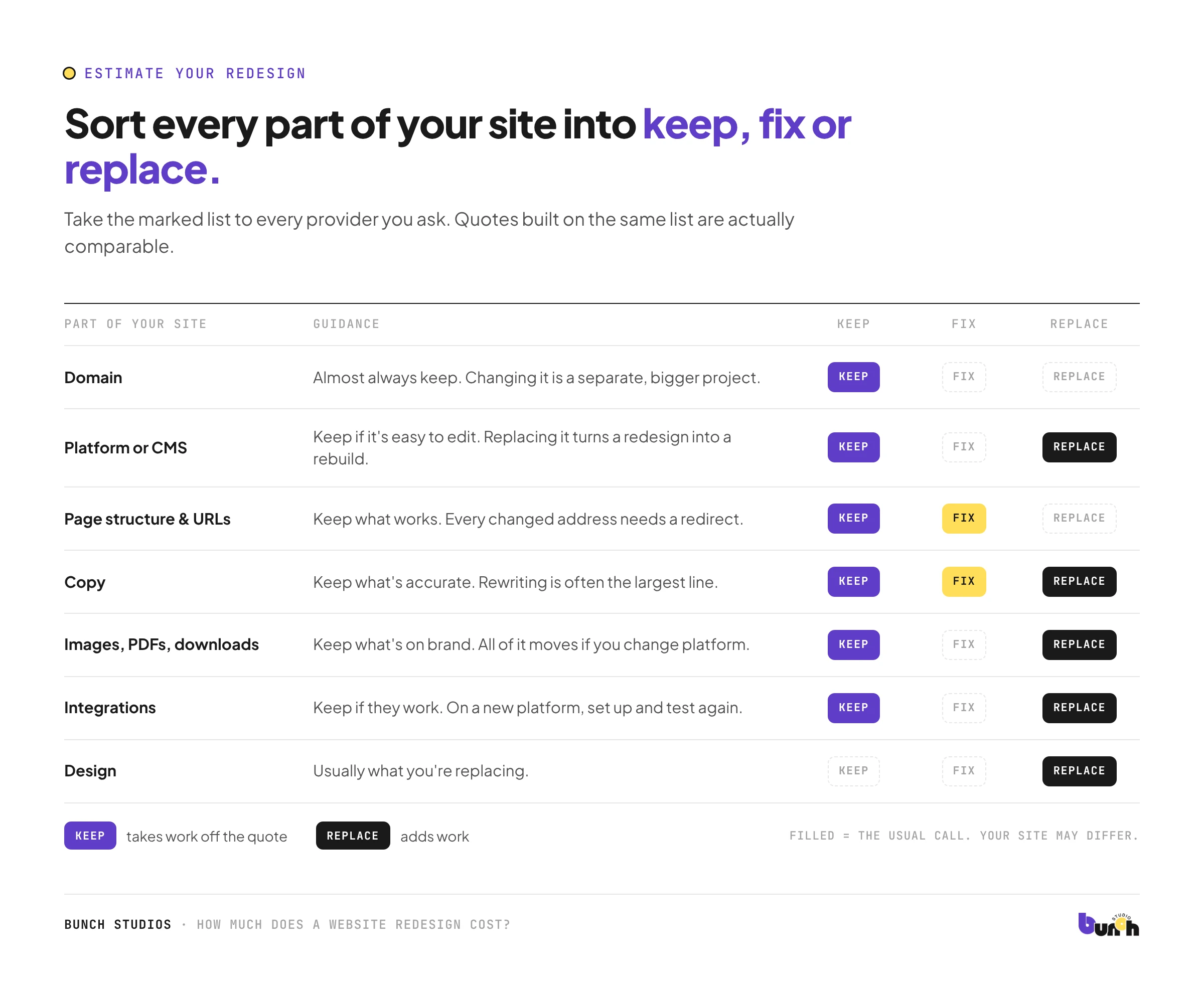
- Domain: almost always keep. Changing it is a separate, bigger project.
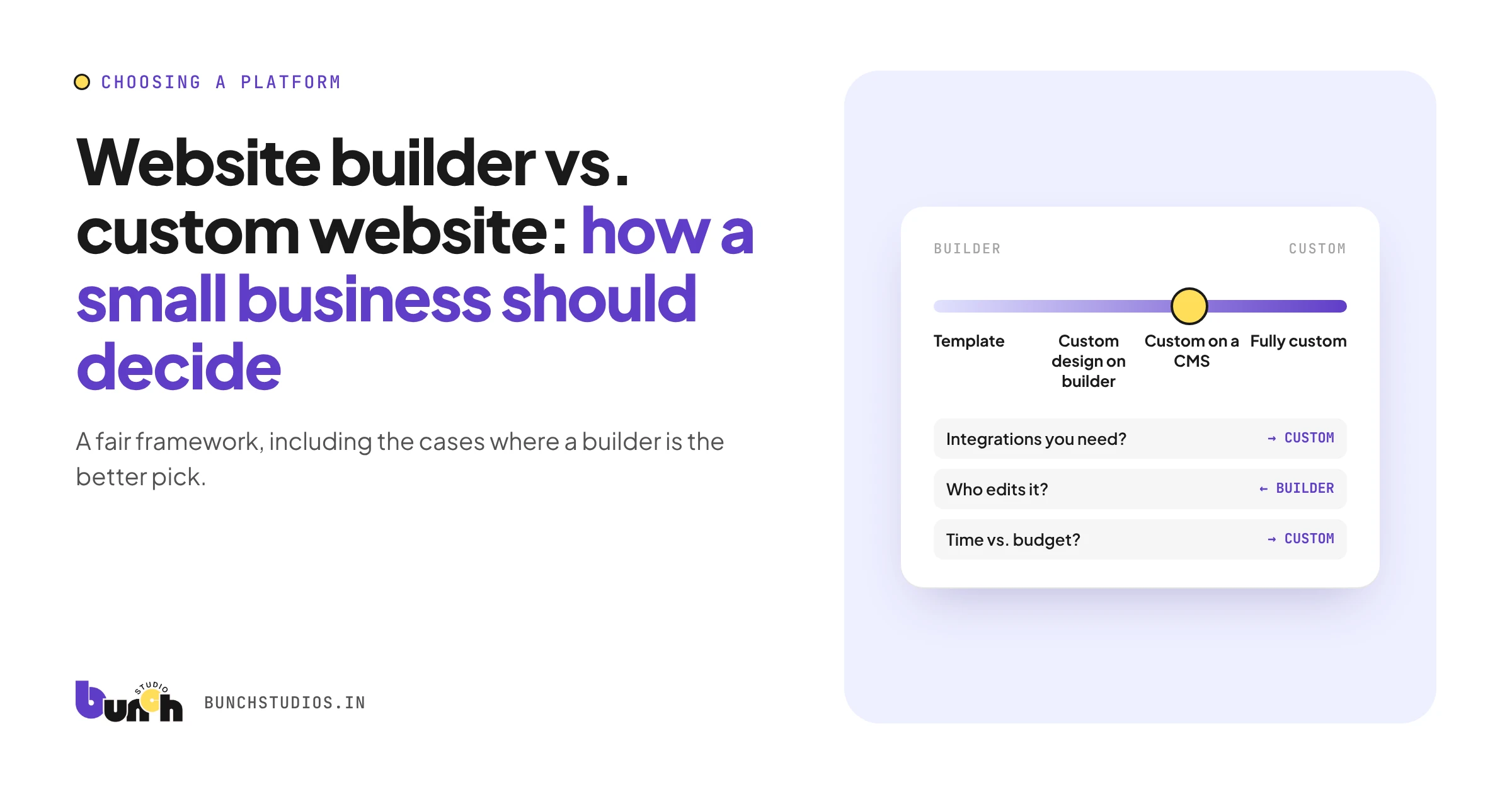
- Platform or CMS: keep if you can edit it easily and it does what you need. Replacing it turns a redesign into a rebuild. Our website builder vs. custom website guide helps with that choice.
- Page structure and addresses (URLs): keep the ones that work. Every changed address needs a redirect.
- Copy: keep what's accurate. Rewriting is often the largest line on a redesign quote.
- Images, PDFs and downloads: keep what's still on brand. All of it has to be moved if you change platforms.
- Integrations (booking, payments, forms, CRM): keep if they work. Rebuilding them on a new platform means setup and testing again.
- Design: usually the thing you're replacing, and the part people budget for first.
Take your marked list to every provider you ask. Quotes built on the same list are actually comparable.
The costs most redesign quotes underplay
Moving your content
Pages, images and documents all have to be moved and reformatted. Google points out that images and downloads such as PDFs may already bring in search visitors, so they need to move with everything else (Google Search Central).
Redirecting old page addresses
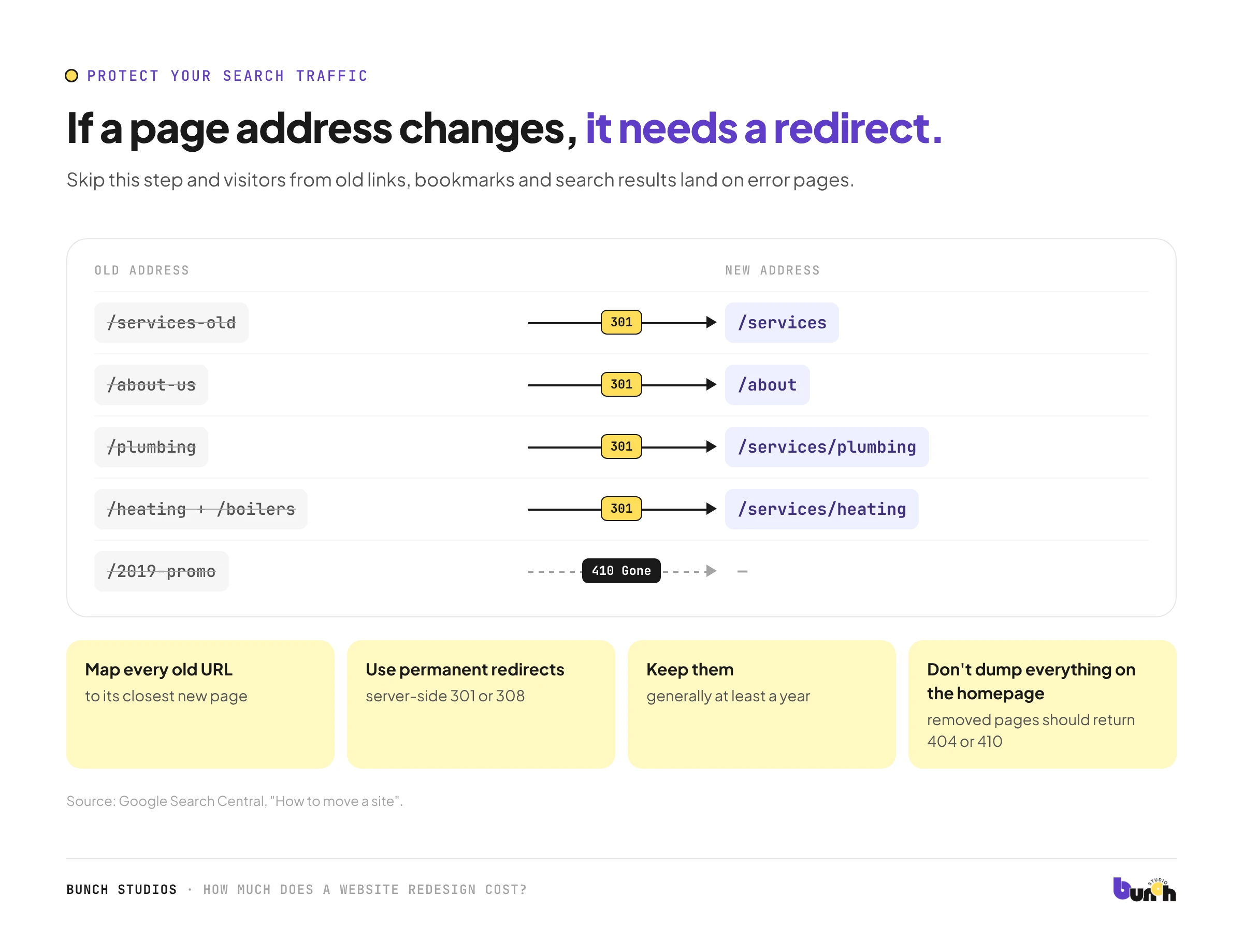
If any URL changes, someone has to map each old address to its new one and set up redirects. Google recommends server-side permanent redirects (301 or 308), keeping them for at least a year, and not sending lots of old pages to one unrelated page such as the homepage. Pages you're dropping for good should return a "not found" (404) or "gone" (410) response instead (Google Search Central). Skip this step and visitors from old links, bookmarks and search results land on error pages.
Search Console and sitemap work
After launch, the new sitemap should be submitted in Google Search Console and the move monitored. Google says rankings can fluctuate while it recrawls a changed site, and that most pages on a small to medium site can take a few weeks to move over (Google Search Central). Ask who watches for problems during that window.
Rebuilding integrations and forms
A booking widget or payment form that worked on the old platform may need to be set up and tested again on the new one.
Rewriting outdated copy
If what you sell has changed, the words need to change too. That's writing time, whether you do it or someone else does.
New recurring costs
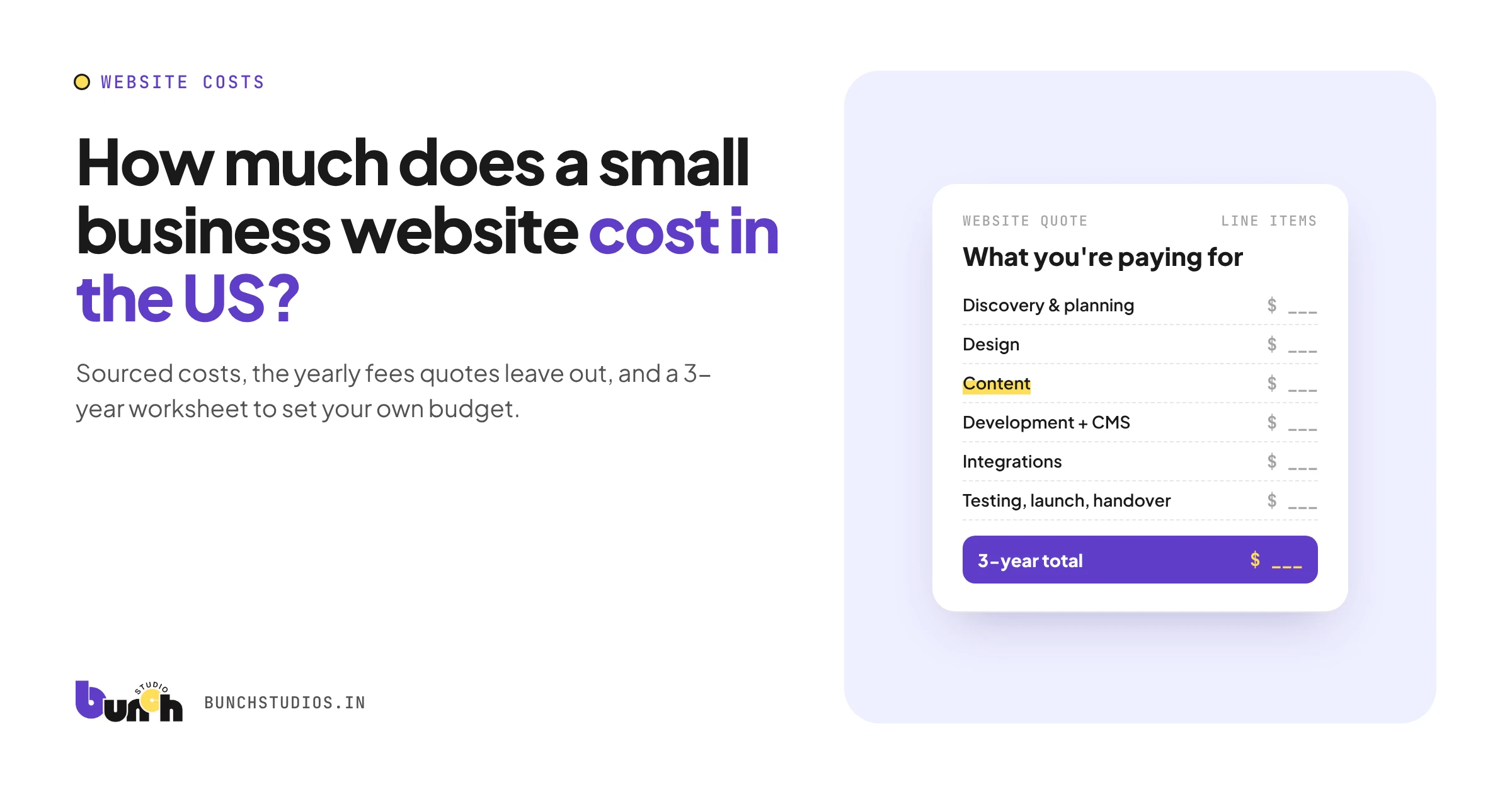
A new platform can mean a different yearly bill for hosting, apps or a maintenance plan. Use the three-year worksheet in our website cost guide to compare before and after.
Should everything change at once?
Google's site-move guidance suggests making big changes one after another rather than all together: move the domain, then change the CMS, then the layout, so problems are easier to trace (Google Search Central). For a small business, doing it all in one project is often simpler to manage and pay for. Doing it in steps makes it easier to see what caused a drop in traffic. There's no single right answer, so ask any provider how they'll handle it and why.
Questions to ask before you sign a redesign quote
- What will you keep, fix and replace? Can I have that in writing?
- Will any page addresses change? If so, who builds the redirect map, and how is it tested?
- Who moves the existing content, images and PDFs?
- Are we changing platform? What will the new one cost each year?
- Will my domain, business email and analytics carry over untouched?
- What happens to pages we're removing?
- Is a backup of the old site taken before launch?
- Who checks Google Search Console after launch, and for how long?
- Who owns the new site and every account it runs on?
- What does the timeline depend on: my feedback, my content, something else?
When you don't need a full redesign
A redesign isn't always the right fix. You may only need:
- A content update if the structure works but the words are out of date.
- A targeted fix if one page, form or checkout step is the real problem.
- A performance check if the complaint is speed. Test the site in Google's free PageSpeed Insights first and see what it flags.
- A visual refresh if your branding changed but everything else still works.
Three examples: how scope changes a redesign
These are hypothetical scenarios to show how scope works. They are not real clients or prices.
An accountant has a dated template site that's hard to edit. They want a modern look and to keep their domain and most of their copy. Changing platform makes this a rebuild, so content migration and URL redirects become real line items.
A contractor likes how the site is organized, but the copy and photos are years old. Staying on the same platform with the same structure keeps it a redesign. The biggest cost is rewriting and new images.
A consultant has changed what they sell. The site needs a new structure, so several old pages are merged or removed. Merged pages redirect to their new home, removed pages return "not found," and the copy is mostly new.
How Bunch Studios approaches a redesign
We start with what you already have. We go through your current site (pages, content, what visitors see on a phone, how people get in touch) and tell you plainly what to keep, what to fix and what to rebuild. That review shapes your written scoped estimate, which sets out the scope, price and timeline before any work starts.
- Intro call: you walk us through your business and your current site.
- Review and scoped estimate: we review the site and send a written scope, price and timeline.
- Redesign and build: you review the designs and the working site at set points.
- Launch and handover: we launch, show you how to use your custom CMS, and hand over access, or keep managing it for you.
If your copy needs rewriting, we draft it with AI-assisted writing based on what you tell us, and you approve every page. You own the redesigned site.
Request a Scoped EstimateHow we made this guide: researched and drafted with AI assistance and checked against the sources linked above.
Sources: Google Search Central, How to move a site with URL changes; PageSpeed Insights. All checked Oct 13, 2026.