Why Your Website Gets Visitors but Few Enquiries (and How to Find Out)
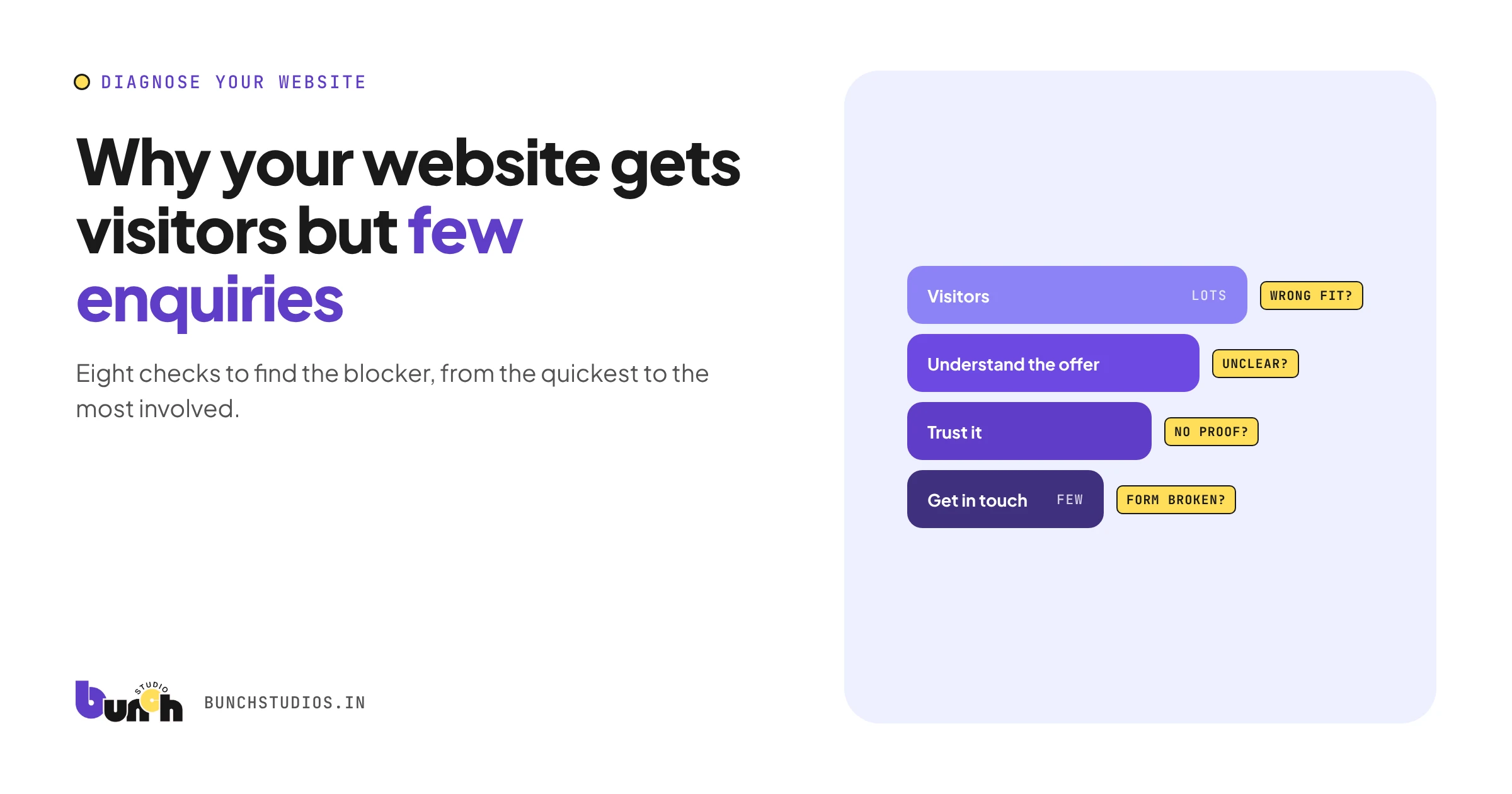
When a website gets visitors but few enquiries, the cause is usually one of five things: the tracking is wrong, the visitors aren't the right people, the page doesn't make clear what you offer and who it's for, visitors don't trust it enough, or contacting you is harder than it should be. Check them in that order: there's no point rewriting your homepage if the contact form isn't delivering. This guide walks through eight checks, from the quickest to the most involved.
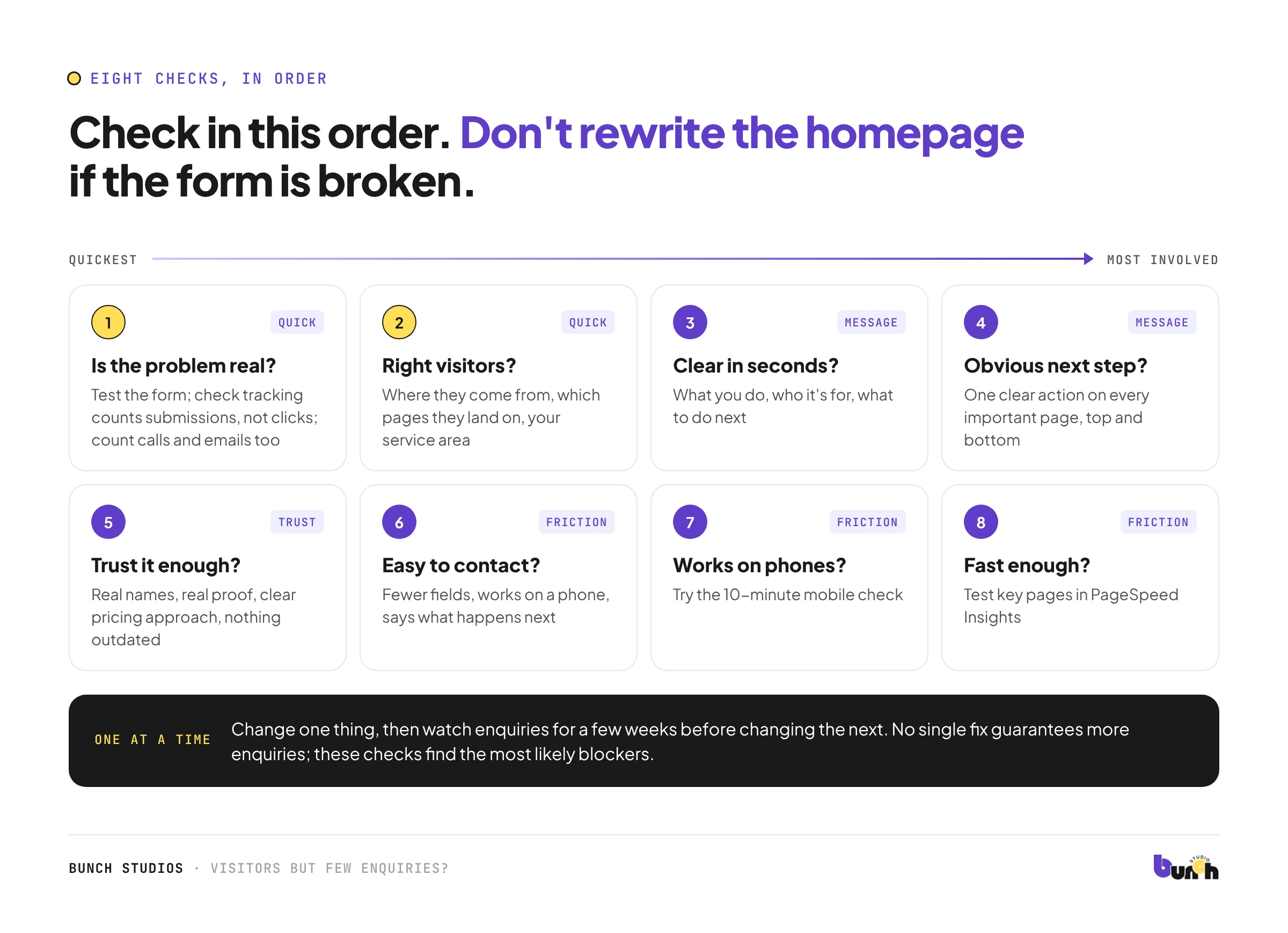
Check 1: Is the problem real?
Before changing anything, confirm the numbers.
- Does your form actually deliver? Send yourself a test enquiry from your phone and your computer. Check spam folders.
- Are enquiries tracked? If your analytics counts form clicks rather than successful submissions, or doesn't track calls at all, your numbers may be wrong in either direction.
- Are you counting all channels? Calls, emails and messages from your site count too. Ask new customers how they found you.
Check 2: Are the visitors the right people?
Look at where visitors come from and which pages they land on.
- Are they in your service area (or country)?
- Are they arriving on pages about something you don't actually sell?
- Is a blog post bringing lots of readers who were never going to buy?
Traffic that doesn't match your customers won't turn into enquiries. The fix there is targeting, not design.
Check 3: Does the page say what you do, for whom, within seconds?
Open your main landing pages and ask someone unfamiliar with your business: "What does this company do, who is it for, and what should you do next?" If they can't answer quickly, the message is the problem.
Common causes: clever headlines that don't say anything, jargon, or a homepage about the company rather than the customer's problem.
Check 4: Is the next step obvious?
- Is there one clear action (call, book, request a quote) on every important page?
- Is it visible without scrolling, and again at the end of the page?
- Do service pages end with a contact option, or just stop?
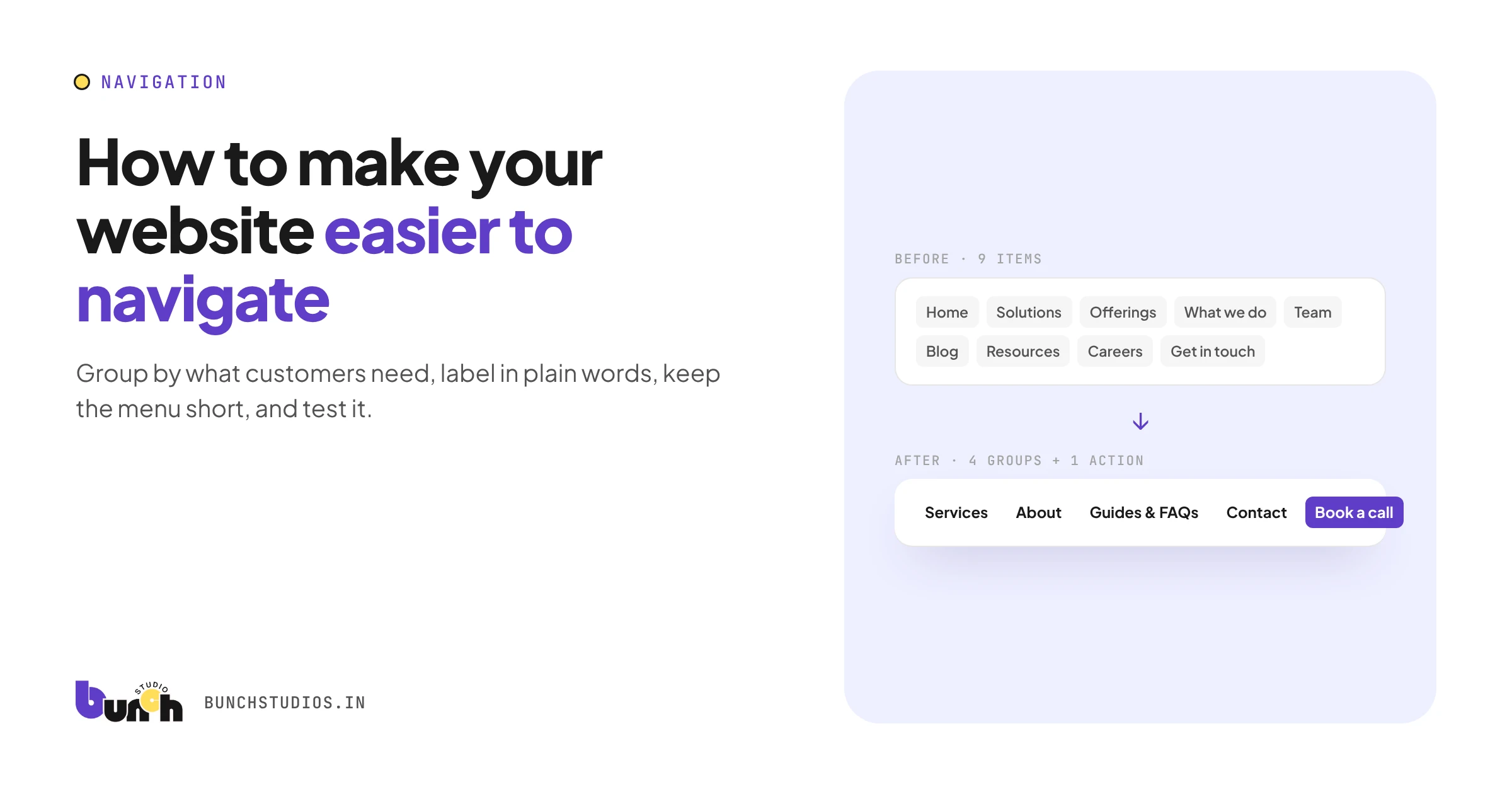
See also our guide to making a website easier to navigate.
Check 5: Do visitors trust it enough?
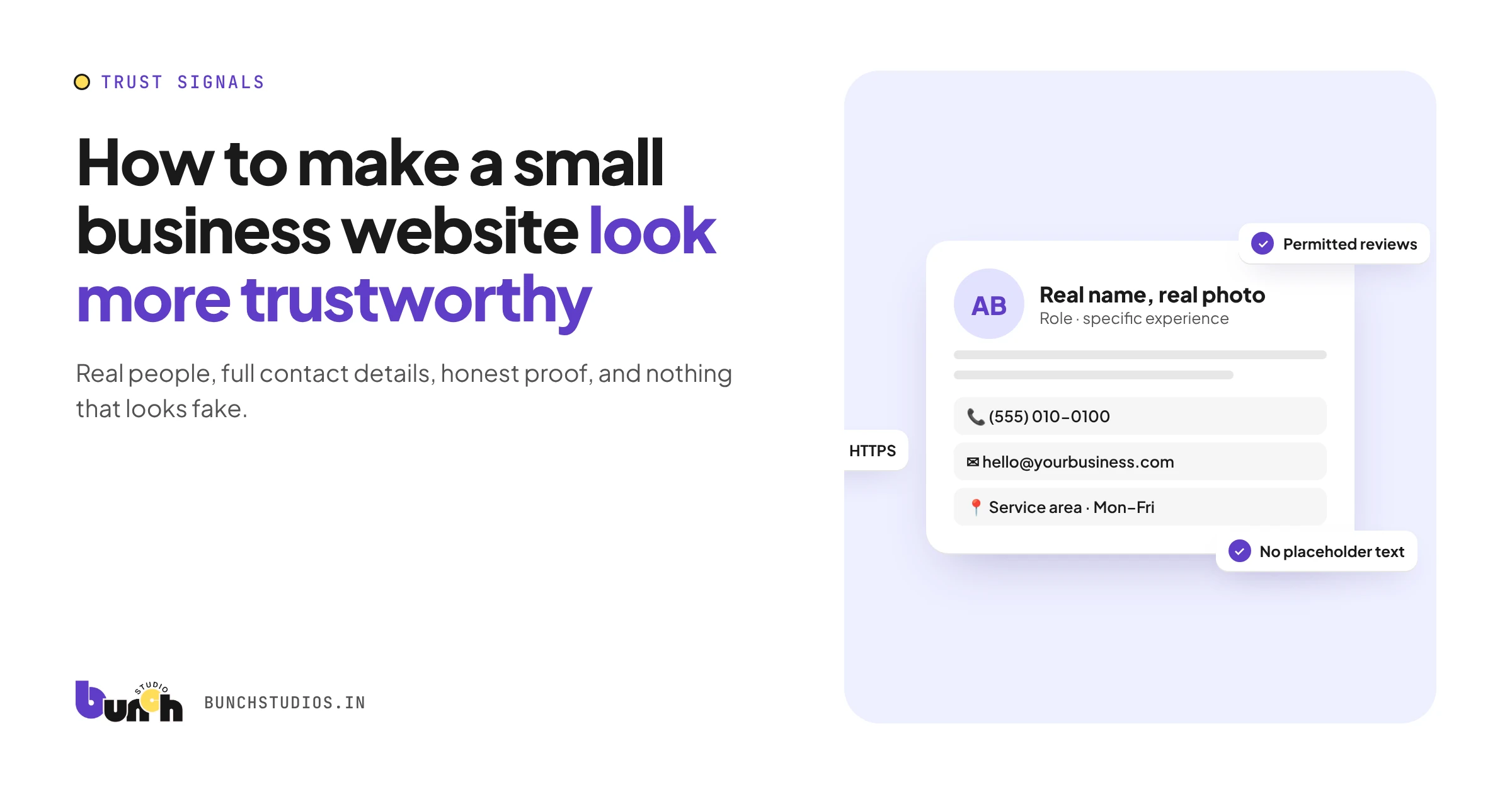
Missing names, no real proof, vague pricing, outdated content and broken links all make people hesitate. Our trust checklist covers what to fix.
Check 6: Is contacting you easy?
- How many fields are on your form? Ask only what you need to reply.
- Does it work well on a phone?
- Does it tell people what happens next and when you'll reply?
- Is there an option for people who'd rather call or email?
Check 7: Does it work on phones?
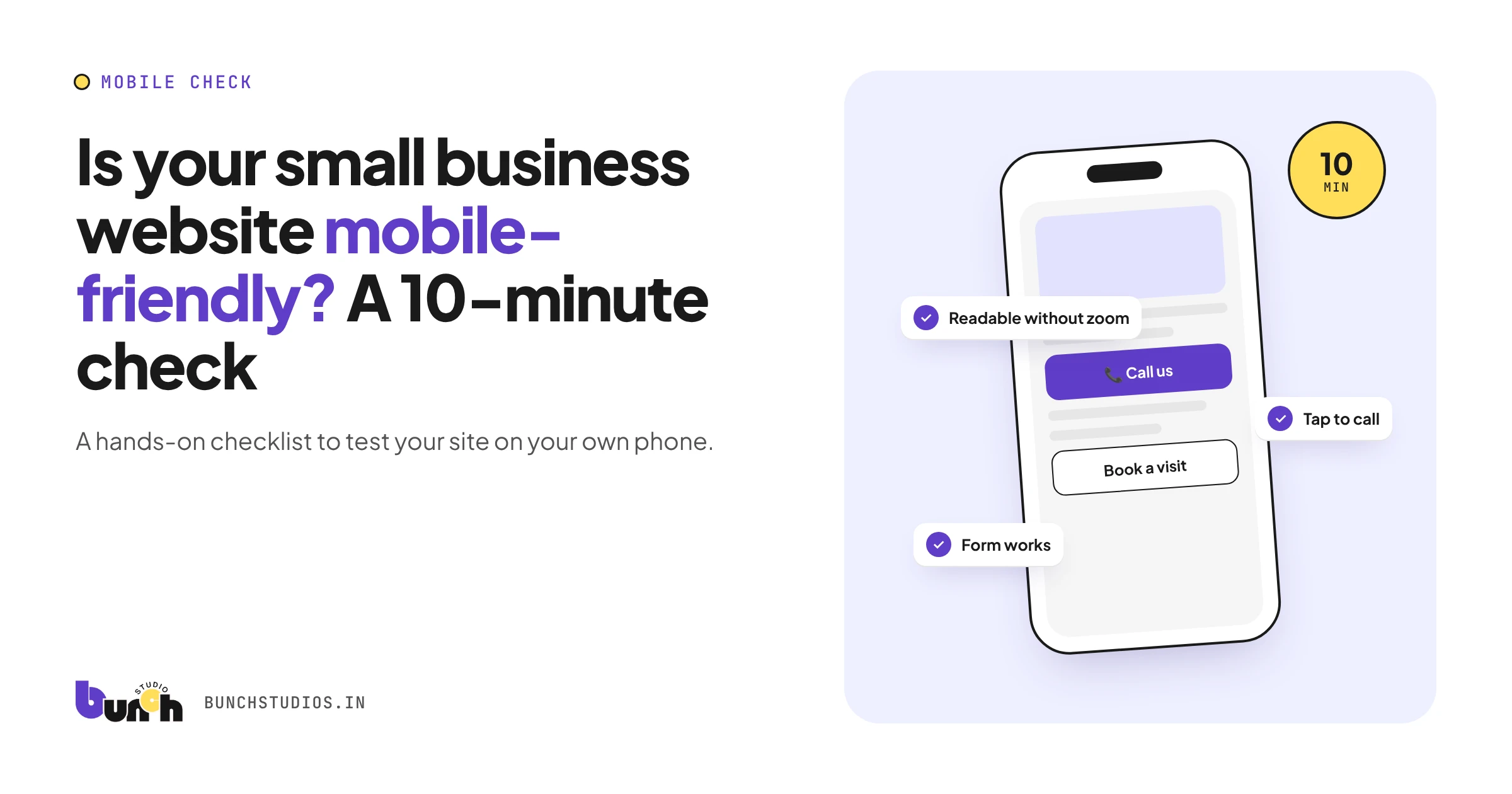
A site that's hard to use on a phone loses visitors who'd otherwise get in touch. Try our 10-minute mobile check.
Check 8: Is it fast enough?
Test key pages in Google's free PageSpeed Insights. Very slow pages lose people before they've read anything.
A worked example (hypothetical)
Hypothetical example for illustration only. A landscaping company sees steady visits but almost no form enquiries. Check 1 finds the form works, but phone calls from the site were never counted, and most enquiries come by phone. Check 2 shows a popular blog post on lawn care is bringing readers from other states. The real fixes: track calls, and add a clear line about the area they serve, plus a call button, to that post. No redesign needed.
Make one change at a time
Once you've found likely causes, change one thing, then watch enquiries for a few weeks before changing the next. If you change everything at once, you won't know what helped. And no single fix guarantees more enquiries; these checks find the most likely blockers.
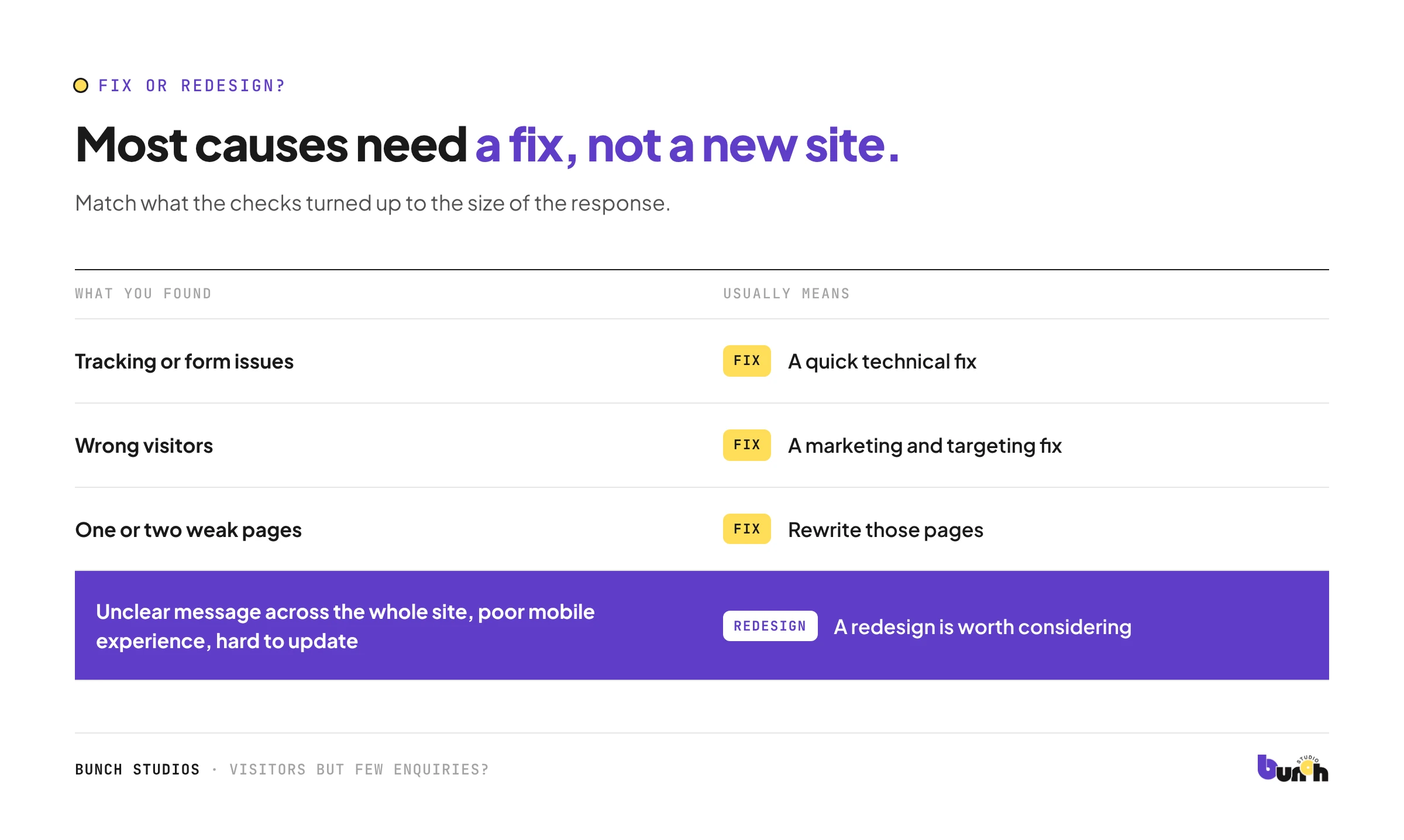
Fix or redesign?
| What you found | Usually means |
|---|---|
| Tracking or form issues | A quick technical fix |
| Wrong visitors | A marketing and targeting fix |
| One or two weak pages | Rewrite those pages |
| Unclear message across the whole site, poor mobile experience, hard to update | A redesign is worth considering. See the signs your website needs a redesign |
How Bunch Studios helps
In a redesign, we start by reviewing your current site: what visitors see on a phone, how clear the message is, and how easy it is to get in touch. We tell you plainly what to keep, fix or rebuild. If a few targeted fixes would do the job, we'll say so.
Request a Scoped EstimateHow we made this guide: drafted with AI assistance.